

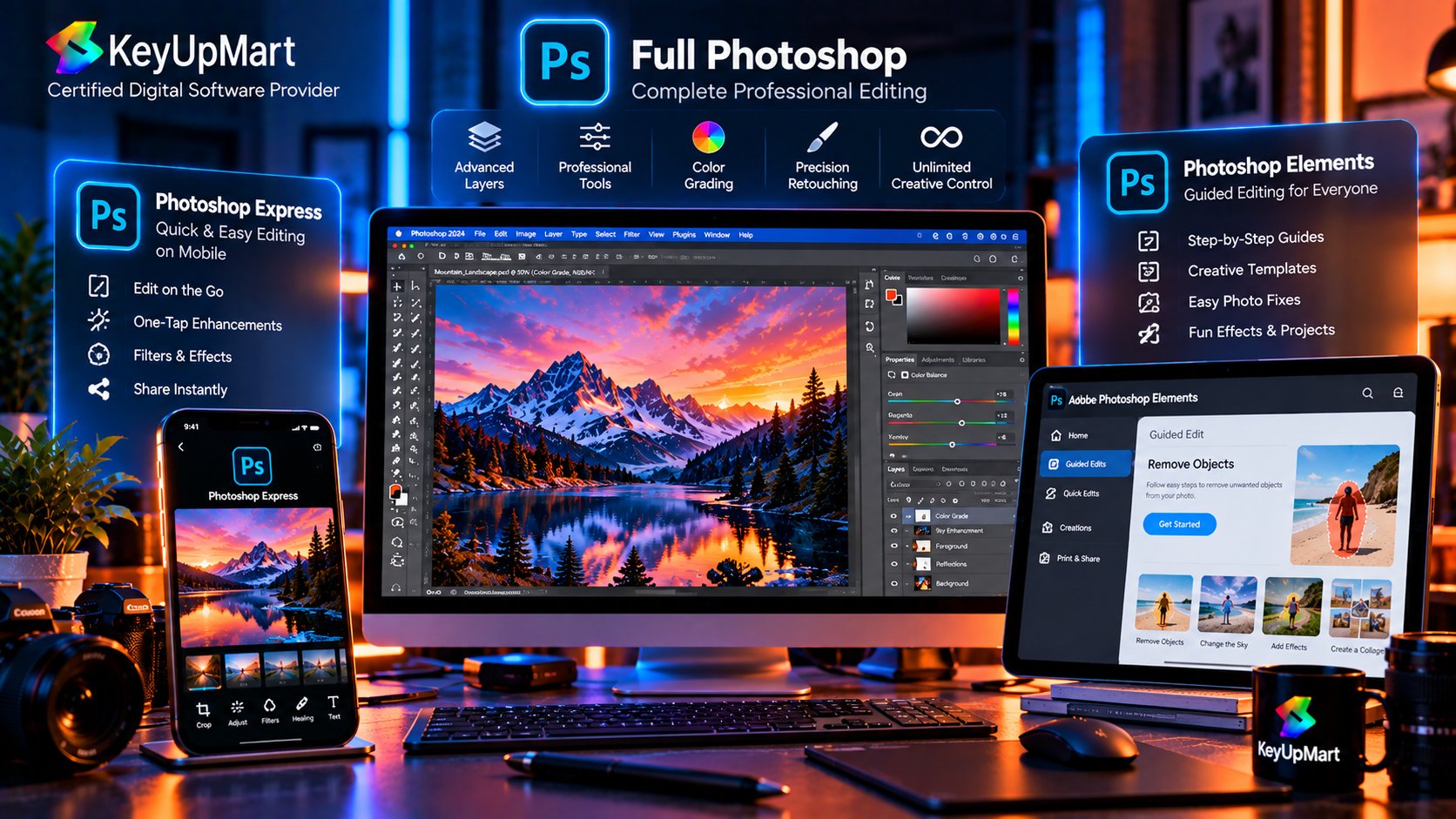
Adobe uses the Photoshop name across several products, but those products are designed for different people and different workflows. Photoshop is the full professional editor. Photoshop Express is built for fast edits and simple creative work. Photoshop Elements is aimed at home users, families, hobbyists, and people who want more guided tools without the full complexity of a professional application.
Choosing the wrong version can lead to unnecessary cost, missing features, or a frustrating installation experience. Someone who only wants to improve phone photos may not need the full Photoshop workflow. A professional designer, on the other hand, may quickly outgrow a simplified editor. This guide explains the differences in plain language so you can choose the right product for your projects.
The names, features, prices, and availability of Adobe products can change by country and release. Always check the current official product terms before buying. The key distinction remains consistent: Express focuses on speed, Elements focuses on guided consumer editing, and Photoshop provides the deepest professional control.
Adobe Photoshop Full Professional Edition
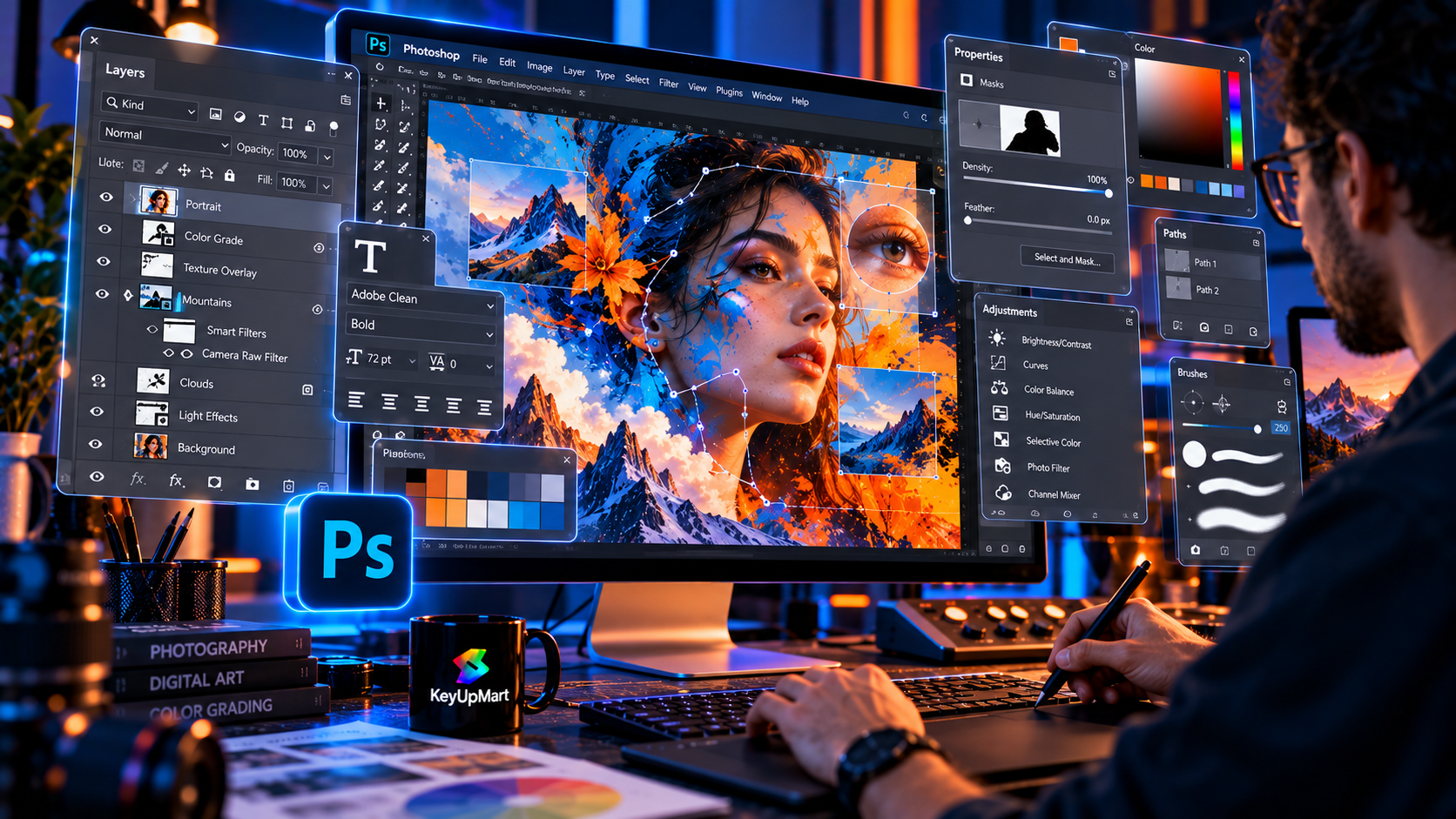
The full desktop version of Adobe Photoshop is designed for users who need detailed control over pixels, layers, masks, selections, color, typography, compositing, and export. It is used by photographers, designers, agencies, marketing teams, artists, publishers, and creators who need repeatable results across many types of projects.
Photoshop is the most flexible option of the three, but that flexibility comes with a steeper learning curve. Its interface exposes a large number of tools and settings. A beginner can use only a small part of that toolkit at first, while an experienced user can build a workflow around automation, smart objects, advanced selections, adjustment layers, and non-destructive editing.
What Photoshop Full Is Built For
Photoshop full is the strongest choice when your work depends on precision and control. You can combine multiple images, isolate complex subjects, work with masks, retouch skin and products, create graphics from scratch, edit typography, and prepare files for print or digital delivery. It is also the best match for workflows that exchange layered project files with other professionals.
It works well for projects such as:
- Professional photo retouching and color correction.
- Product photography, e-commerce images, and advertising artwork.
- Digital illustrations, composites, posters, thumbnails, and social graphics.
- Layered client files that need revisions and precise handoff.
- Workflows that depend on current Photoshop features and compatible camera or file support.
Photoshop Express: The Fast Editing Option
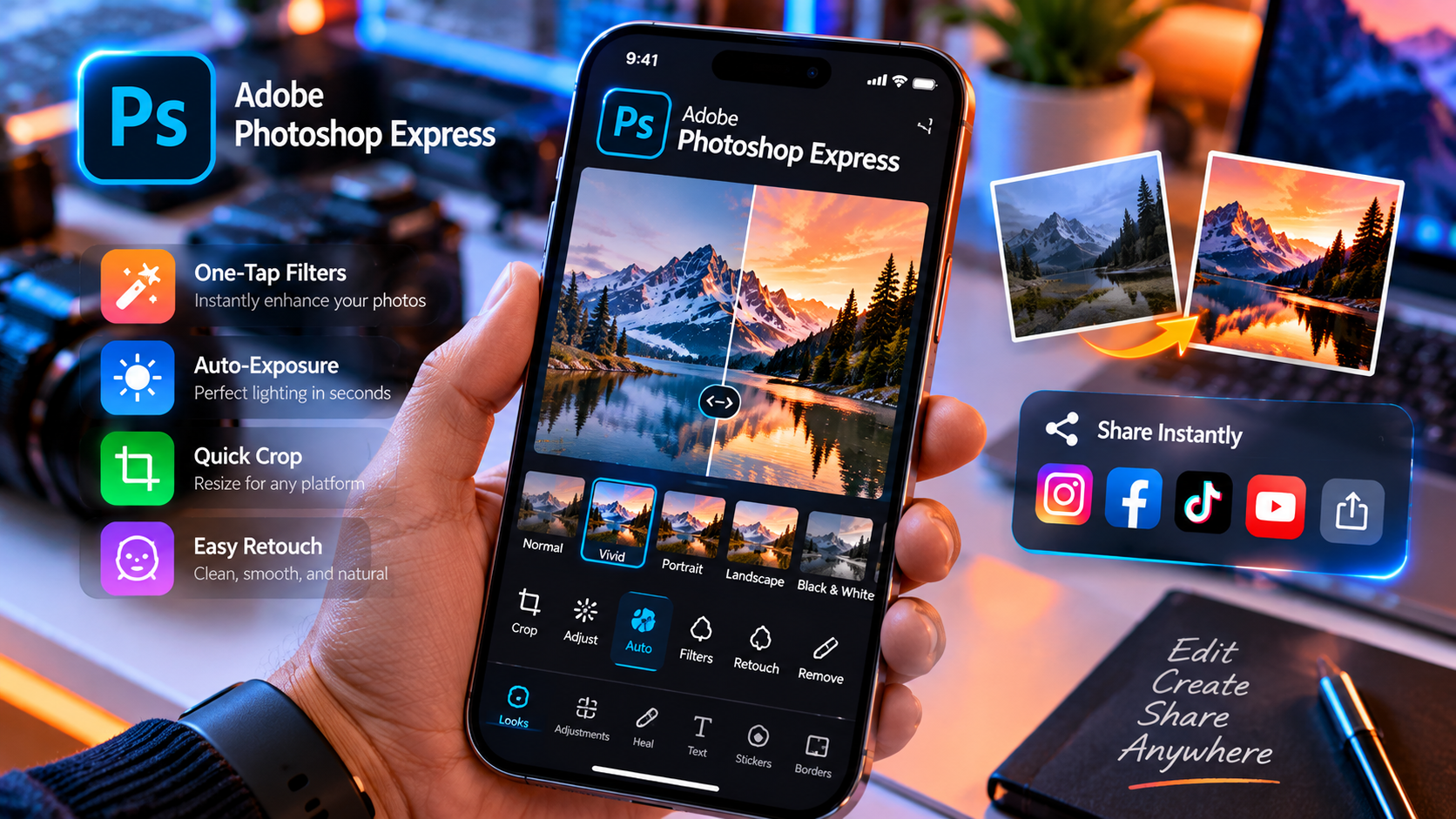
Photoshop Express is designed for speed and convenience rather than a full professional desktop workflow. It is a good fit for quick corrections, simple enhancements, crops, resizing, filters, collages, and social-media-ready images. The experience is more approachable because it hides much of the technical complexity found in full Photoshop.
Express is useful when you want to improve an image quickly without building a detailed layered project. It can be a convenient option for phone photos, casual content, travel images, profile pictures, and everyday sharing. The guided interface helps users reach a result quickly, but that simplicity also means there are fewer controls for complex compositing and production work.
What Photoshop Express Is Best For
Choose Express when your priority is a short path from an image to a finished post. It is more suitable for quick edits than for a long design process with many layers, masks, and revisions. The exact tools depend on the platform, account, and current version, so review the current Adobe listing if you need a specific feature.
Express is a practical choice for:
- Fast edits on personal photos and phone images.
- Simple exposure, color, crop, and perspective adjustments.
- Filters, text, collages, and social media content.
- Users who prefer guided controls instead of a professional desktop interface.
Where Photoshop Express Has Limits
Express should not be treated as a smaller copy of the full desktop application. It is not intended to replace a professional layered workflow for every user. If you need complex masks, detailed retouching, extensive typography control, large multi-layer composites, or a project file that another designer can revise, full Photoshop is usually the better tool.
Photoshop Elements: The Guided Consumer Edition
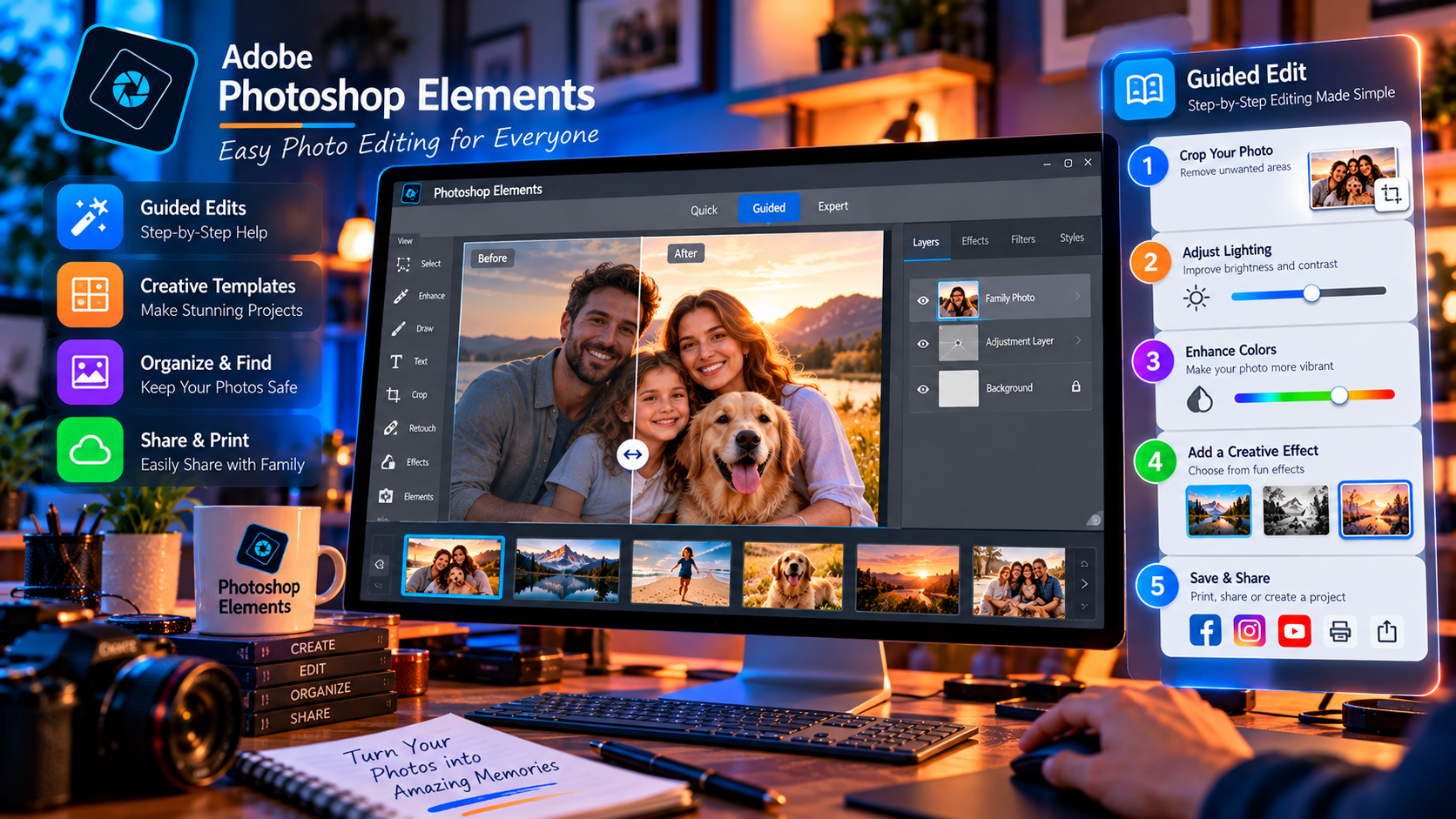
Photoshop Elements sits between quick-edit applications and the full professional Photoshop experience. It is aimed at home users, hobbyists, families, students, and small personal projects. Its goal is to provide useful photo-editing and design tools while making common tasks easier to discover through guided edits and a less intimidating interface.
Elements is often attractive to buyers who want more control than a mobile quick-edit app but do not want the full subscription-centered professional workflow. It can be a good fit for organizing and improving family photos, creating invitations, making simple compositions, designing personal projects, and learning core editing concepts gradually.
What Photoshop Elements Is Best For
Elements is suitable for users who want a consumer-friendly editor with more depth than Express. Its guided approach can help a beginner understand how an effect works instead of requiring them to know every technical step in advance. Advanced users may still find useful tools, but the application is not designed to replace the complete feature set of Photoshop full.
Elements can work well for:
- Family photo projects and personal albums.
- Basic portrait correction, background changes, and creative effects.
- Invitations, cards, posters, and simple social graphics.
- Beginners who want guided help while learning photo editing.
- Buyers who prefer a consumer edition and do not need the newest professional workflow.
Elements Is Not the Same as Photoshop Full
The word Photoshop in the name can make Elements sound like a cheaper version of the same product. It is better to think of it as a separate application for a different audience. It may use familiar concepts such as layers, selections, and adjustments, but the interface, automation, supported workflows, and depth of control are not identical to the full professional edition.
If you plan to work with a design agency, exchange complex files, use the latest professional features, or build a career around Photoshop, start by checking the full application requirements. If your projects are personal and you value guided tools, Elements may be easier to learn and sufficient for the work you actually do.
Feature-by-Feature Comparison
Editing Depth and Control
Photoshop full offers the deepest editing control. It is the strongest option for detailed masks, complex selections, professional retouching, layered composites, typography, advanced color work, and precise file preparation. Express offers the shortest workflow for simple edits. Elements provides a middle ground, with more editing depth than Express and a more approachable experience than the full desktop application.
The best choice depends on how often you need to make a decision at the pixel or layer level. If you regularly need to isolate hair, blend multiple exposures, build a reusable template, or preserve a detailed editable file, the full application is the safer choice. If you usually make one or two quick changes and export an image, Express may be enough.
Layers, Masks, and Advanced Tools
Layers let you keep parts of a project separate so that you can edit, hide, move, or refine them without permanently changing the rest of the image. Masks provide more precise control over which areas are visible. These features matter when a project needs repeated revisions or when the final result must remain editable.
Full Photoshop is the natural choice for users who depend on those tools extensively. Elements may provide related concepts in a simplified workflow, while Express prioritizes speed and convenience over a deep layer-based production process. A buyer who regularly receives PSD files or sends layered work to clients should confirm compatibility before choosing a simplified product.
AI Features and Automated Editing
Adobe continues to add automated and AI-assisted features across its products, but the capabilities are not identical. Current subscription-based Photoshop is the product most closely associated with the newest professional releases and the latest Adobe-connected features. Elements may offer guided automation and consumer-focused assistance. Express may offer quick automated enhancements designed for short edits.
Do not compare AI by name alone. Check which product version includes the feature, whether it requires an account or credits, whether it works online, and whether it is available in your region. If you need a specific feature such as generative editing, current Photoshop releases, or a particular workflow, verify it on the product page before purchasing.
File Formats and Export Support
Full Photoshop is the safest choice for professional file exchange because its workflow is built around layered editable projects and a wide range of export requirements. Elements may support common image formats and useful consumer workflows, but a complex professional project may not transfer perfectly between applications. Express is usually focused on finished images rather than long-term layered production files.
Ask yourself whether you need to keep an editable master file. If the answer is yes, check the supported formats and the exact editing features before you start. Exporting a finished JPEG or PNG is very different from handing off a layered project that another person must continue editing.
Pricing Comparison: Free, One-Time, and Subscription Models
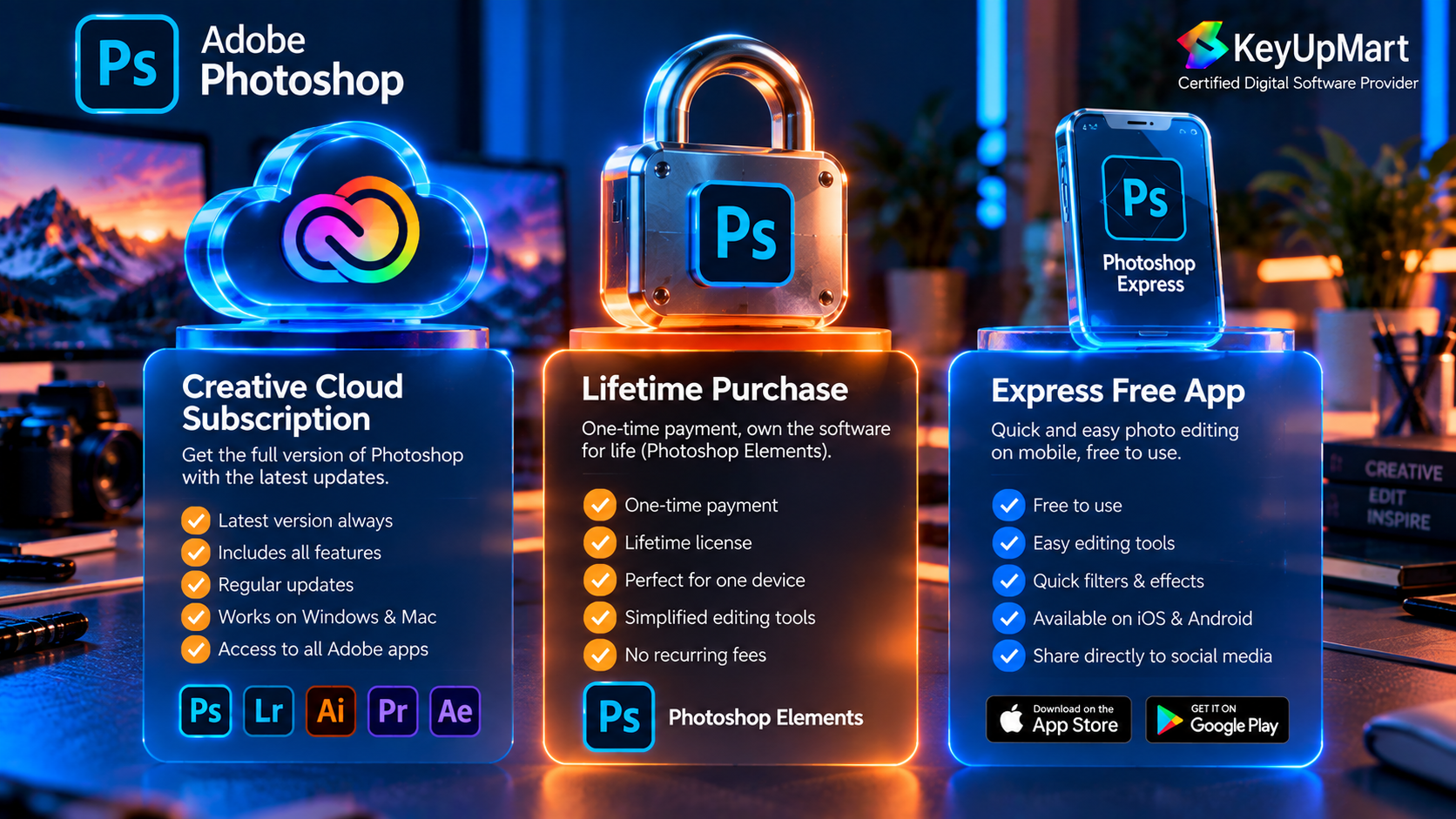
The three products can also differ in how they are purchased. Express is commonly positioned as an accessible quick-edit product, with availability and premium features depending on the current Adobe offering. Elements has historically been positioned as a consumer product that can be purchased as a defined edition in many markets. Full Photoshop is primarily offered through Creative Cloud subscription plans.
Because Adobe changes pricing, promotions, regional availability, and included features, do not make a purchase decision from an old price comparison. Check the current official Adobe listing for Express and Elements, then compare the actual total cost against the product you need. A lower price is not a saving if the application cannot open the files or perform the work you bought it for.
Free vs. One-Time vs. Subscription: What the Model Means
- Accessible or free entry options reduce the cost of trying a quick-edit workflow, but they may have limits on features, exports, storage, or platform access.
- A one-time consumer edition gives you a defined version and avoids recurring subscription charges, but it may not include future major releases or the newest professional services.
- A subscription gives ongoing access to the plan’s current releases and services while the subscription remains active, but it creates a recurring cost and requires careful attention to renewal terms.
Which One Should You Actually Use?
Choose Full Photoshop If You Are a Professional or Serious Learner
Choose full Photoshop if you need detailed control, layered projects, professional retouching, advanced compositing, typography, or the current feature set. It is also the right starting point if you want to learn the application used in professional studios and agencies. The learning curve is real, but the application gives you room to grow instead of forcing you to change tools when your projects become more demanding.
Choose Photoshop Express for Quick Everyday Edits
Choose Express if you mainly want fast results on personal photos and social content. It is a strong fit when your typical workflow is open, improve, crop, add a simple effect, and share. You do not need a large professional interface for that kind of task, and a simpler tool can help you finish work faster.
Choose Photoshop Elements for Guided Home Projects
Choose Elements if you want more depth than a quick-edit app but prefer a friendlier consumer workflow than full Photoshop. It is a good middle option for family photos, personal design projects, hobby work, and users who want guided help while learning. Confirm the current edition and operating-system requirements before purchase.
Available Photoshop Options at KeyUpMart
KeyUpMart currently focuses its Adobe Photoshop listings on the full Photoshop product family rather than selling Photoshop Express or Photoshop Elements as separate KeyUpMart products. That means the comparison above should be used to choose the type of application you need, while the KeyUpMart links below should be used only for the Photoshop products actually offered on the site.
- Adobe Photoshop 2021 Professional Edition – Lifetime for Windows is the defined one-time option. It is intended for a Windows workflow and should be evaluated as a specific 2021 edition with its own platform, activation, device, update, and refund terms.
- Adobe Photoshop 1-Year Subscription with 10,000 AI Credits is the subscription-style option listed by KeyUpMart. Its product details identify Windows, Mac, and iPad support, a one-year term, AI credits, and an Adobe-account-based delivery model. Confirm the current listing before checkout because product terms can change.
- Adobe Creative Cloud All Apps is the broader option for buyers who need Photoshop together with other Adobe applications. It may be more suitable for a full creative workflow, but it should be compared with a Photoshop-only subscription so you pay for the applications you actually use.
If you are specifically searching for Photoshop Express or Photoshop Elements, be transparent about availability. Do not use the comparison to imply that KeyUpMart sells those products unless a separate, current product listing confirms it.
Frequently Asked Questions
Is Photoshop Express the Same as Photoshop?
No. Express is designed for faster, simpler editing, while full Photoshop is a professional application with deeper control over layers, masks, retouching, compositing, typography, and file production. Express can be enough for quick edits, but it is not a complete replacement for every professional workflow.
Is Photoshop Elements Better Than Photoshop?
Neither is universally better. Elements may be easier for a home user who wants guided tools and personal projects. Full Photoshop is better for professional work, advanced editing, complex layered files, and users who need the broader current feature set. Choose based on the work you need to complete.
Is Photoshop Elements a One-Time Purchase?
Elements has commonly been offered as a defined consumer edition rather than the same subscription model used for full Photoshop, but availability and purchase terms can vary by country and release. Check the current Adobe listing before relying on a one-time purchase assumption.
Can Photoshop Express Open Professional Photoshop Files?
Do not assume that a quick-edit application can preserve every feature in a complex professional project file. If you need to exchange layered files, verify the supported formats and workflow for the exact version you plan to use. Full Photoshop is the safer choice when layered editing and professional handoff are essential.
Which Photoshop Product Is Best for Beginners?
It depends on the goal. Express is easiest for quick results. Elements is often a better learning bridge for home users who want guided editing with more control. Full Photoshop is the best long-term foundation for someone who intends to learn professional editing, but it requires more time and practice.
Can I Use the KeyUpMart Lifetime Photoshop Product on Mac?
The KeyUpMart lifetime listing is titled for Windows, so do not assume it works on Mac. The separate one-year Photoshop subscription listing identifies Windows, Mac, and iPad support. Choose the product whose platform details match your device, and contact support before purchase if your setup is not clearly covered.
Conclusion
Photoshop, Photoshop Express, and Photoshop Elements are not three interchangeable versions of one application. Photoshop full is the professional tool for deep control and complex projects. Photoshop Express is the quick option for everyday edits and social content. Photoshop Elements is the consumer-friendly middle ground for home users, hobbyists, and guided learning.
Choose Express when speed matters most, Elements when you want approachable tools with more depth, and full Photoshop when your work depends on layers, masks, precision, professional file exchange, or current advanced features. Then check the exact platform, version, purchase model, and support terms before buying.
Need the full professional editor? View the Photoshop 1-Year Subscription and review the current features and platform support.
Prefer a defined Windows edition? View Photoshop 2021 Lifetime for Windows and confirm that it matches your workflow.
Related posts:
 How to Download and Install Adobe Photoshop Full Version Step by Step
 How to Cancel Your Adobe Photoshop Subscription and Switch to a One Time Purchase
 Does Adobe Photoshop Work on Mac Full Compatibility Guide
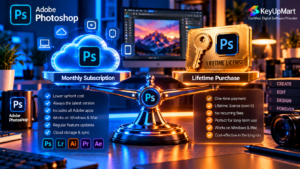 Adobe Photoshop: One-Time Lifetime License vs. Monthly Subscription – Which One Should You Buy?