




Yes, Adobe Photoshop works on Mac, but the correct answer depends on the product, license, macOS version, and Mac hardware you plan to use. Current Creative Cloud Photoshop plans are designed for supported Mac computers, including compatible Intel and Apple Silicon systems. A Windows-only one-time license, however, should not be assumed to work on macOS simply because it uses the Photoshop name.
This guide explains Adobe Photoshop and Mac compatibility, how to check macOS system requirements, what Apple Silicon support means, and how to choose between a Mac-compatible subscription and a Windows-only lifetime edition. It also covers Photoshop and Lightroom workflows, because many photographers searching for Adobe Photoshop Lightroom on Mac actually need to understand how the two applications work together.
The safest rule is simple: match the product platform to your device before you purchase or download anything. Read the exact product page, confirm the supported operating system, and contact support when the listing does not clearly identify Mac compatibility.
Is Adobe Photoshop Available for Mac?
Adobe Photoshop is available for Mac through Adobe’s current Creative Cloud delivery model. The Mac version is installed through the supported Adobe account and application workflow for the plan you choose. This makes Photoshop for Mac a practical option for photographers, designers, students, agencies, and creators who work on macOS.
The Mac application is not a separate beginner version. It is the same professional Photoshop family used for detailed retouching, layers, masks, compositing, typography, and image production, subject to the features and version included in your plan. The exact features, account requirements, cloud services, and AI tools can change between releases, so check the current Adobe product information before downloading the newest Photoshop for Mac.
Creative Cloud for Mac and Account-Based Access
A current Photoshop subscription normally connects the application to an Adobe account. After you sign in, the Creative Cloud desktop app manages the Photoshop download, installation, updates, and account status. This is different from a traditional installer that you buy once and keep unchanged for a fixed period.
If you purchase a subscription through a reseller, confirm how the license is delivered. Some products are linked to the Adobe email address you provide, while others use a redemption code. The account and platform should be clear before you start the Adobe Photoshop download for Mac. Never share your Adobe password with a seller and never use a modified installer to bypass activation.
Apple Silicon M1, M2, and M3 Support
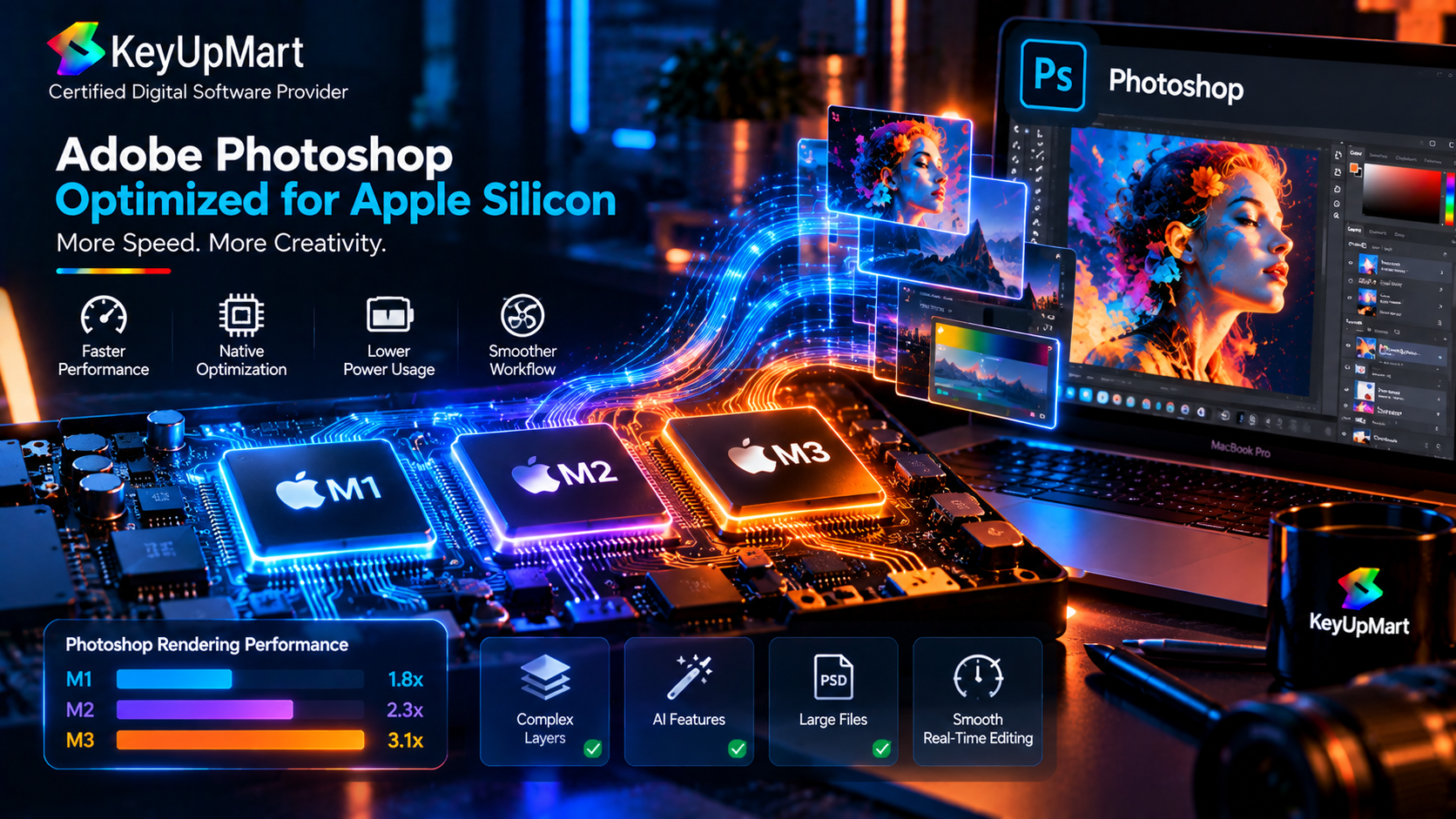
Apple Silicon refers to Apple’s processor family used in newer Mac models, including chips such as M1, M2, and M3. Photoshop versions that support Apple Silicon can use the architecture more directly than older Intel-only workflows, which can improve compatibility and performance for supported tasks. The exact behavior still depends on the Photoshop release, macOS version, graphics features, plug-ins, and the size of your projects.
Do not treat the chip name alone as a complete compatibility test. Before installing Photoshop on Mac, check the current system requirements for the exact release. Also review any third-party plug-ins, fonts, cameras, scanners, or automation tools that your work depends on. A Photoshop application may open correctly while an older plug-in or device workflow remains incompatible.
Intel Mac Compatibility
Many Intel Macs can run supported Photoshop releases, but compatibility depends on the Mac model, macOS version, available memory, graphics hardware, and the version of Photoshop you install. Newer releases may eventually drop support for older operating systems or hardware, so an older Intel Mac may need a compatible earlier release or a hardware upgrade.
If you use an Intel Mac for professional work, test the exact workflow before committing to an operating-system upgrade. Keep a backup of important project files and record the Photoshop version that currently works with your plug-ins and production tools.
Running a Windows-Licensed Photoshop Product on macOS
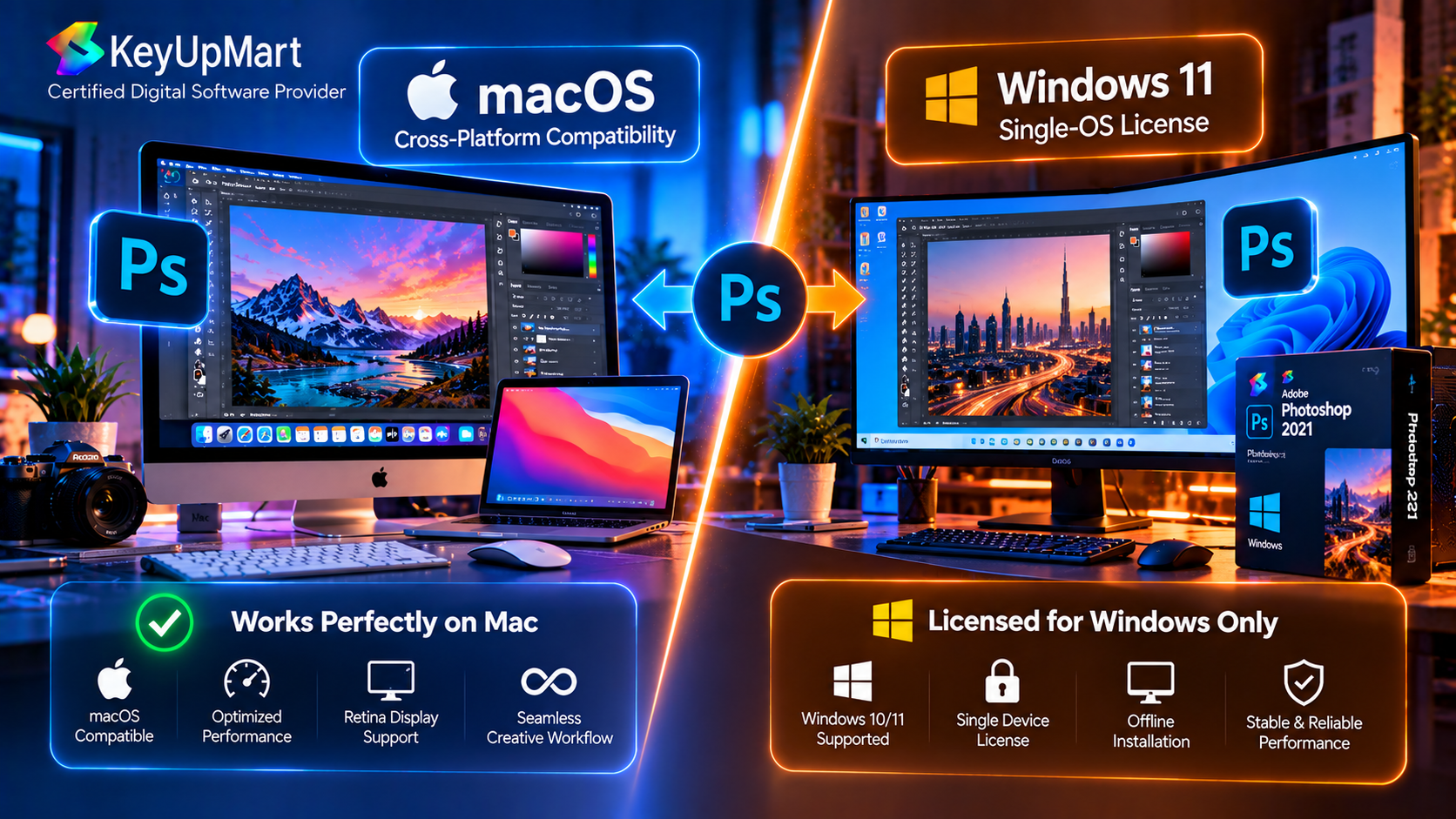
A Windows license and a Mac license are not automatically interchangeable. The KeyUpMart product titled Adobe Photoshop 2021 Professional Edition – Lifetime License for Windows is specifically identified as a Windows product. It should not be presented as a native Photoshop for Mac license unless the product terms explicitly confirm Mac support. If you need a cross-platform license, verify that the product explicitly lists both operating systems and the same account or activation terms.
Some users may consider running Windows through a virtual machine or another compatibility setup, but that does not change the license terms or guarantee that the application will work correctly. Performance, activation, graphics support, plug-ins, and technical support may all be affected. If you use macOS, a Mac-compatible subscription is normally the clearer and lower-risk path.
Before checkout, verify these details:
- The product platform says Mac or Windows and Mac, not Windows only.
- The product supports your macOS version and Mac processor.
- The delivery method matches your Adobe account and the activation process you can complete.
- The device limit and refund terms are clear before you activate the license.
- Any required plug-ins, cloud services, AI credits, or updates are included in the plan you are buying.
Photoshop and Lightroom on Mac
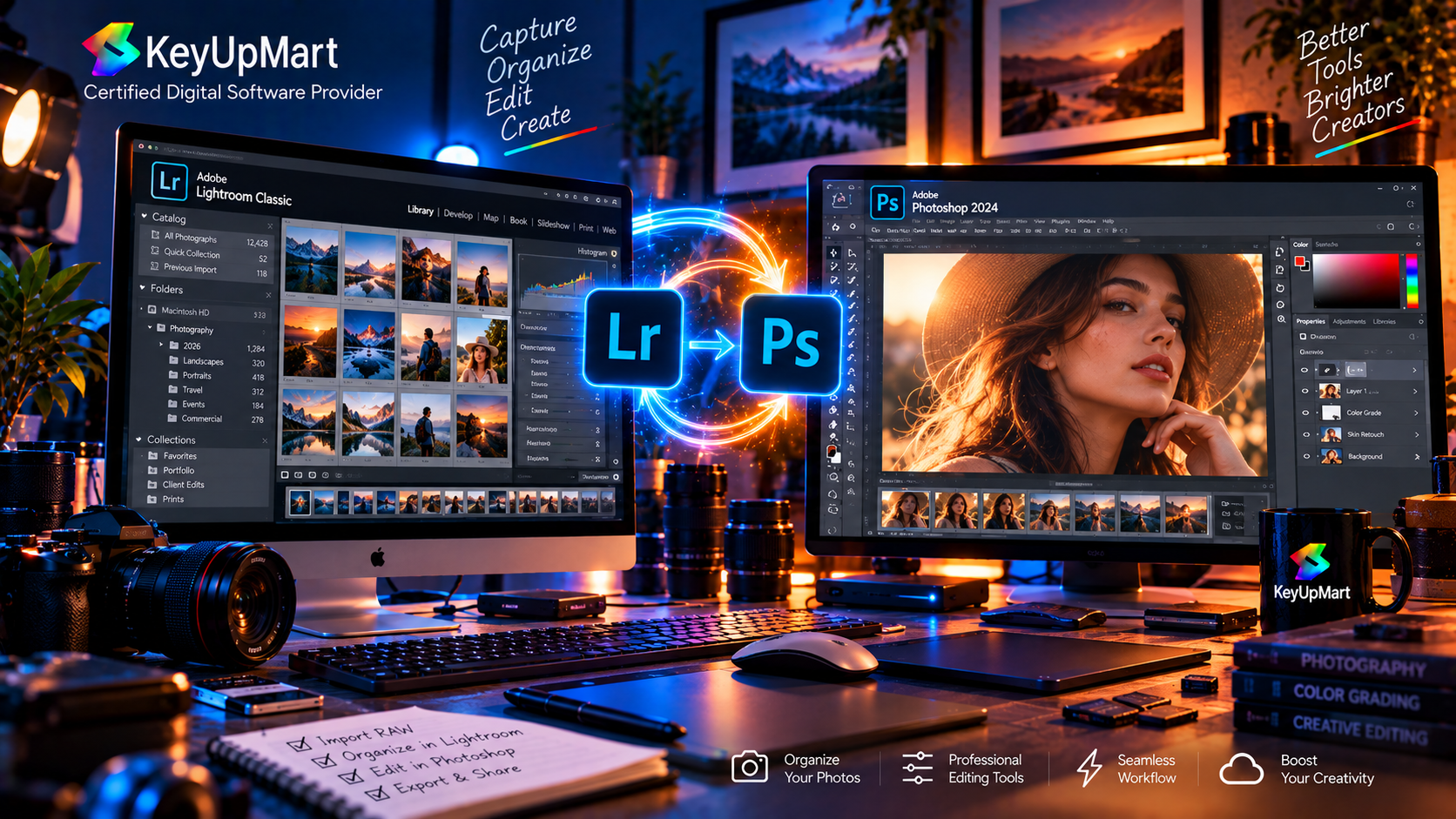
Many searches for Adobe Photoshop Lightroom Mac or Adobe Photoshop Lightroom Mac OS X come from photographers who need both applications. Photoshop and Lightroom support different parts of the photography workflow. Lightroom is commonly used for organizing a photo library, managing raw files, making batch adjustments, and preparing images for further editing. Photoshop is used for detailed retouching, compositing, layers, and pixel-level changes.
A photography workflow may move an image from Lightroom to Photoshop for advanced editing and then return a finished copy to the library. The exact process depends on the plan, file type, settings, and versions installed. Check the current Adobe plan details if you need both applications, and confirm that your storage and backup workflow can handle large raw files and layered Photoshop documents.
Windows Adobe Photoshop Lightroom Workflows
Users who search for Windows Adobe Photoshop Lightroom may be comparing a Windows setup with a Mac setup or looking for cross-platform support. The important factor is not only whether Photoshop and Lightroom exist on both platforms. You also need to check catalog or library behavior, plug-ins, fonts, external drives, color profiles, keyboard shortcuts, and the way files move between computers.
If you work across Windows and Mac, use a consistent file and backup structure. Keep original photos and project files in a location that both systems can access safely, and avoid switching platforms in the middle of a project until you have tested the complete workflow.
macOS System Requirements for Photoshop
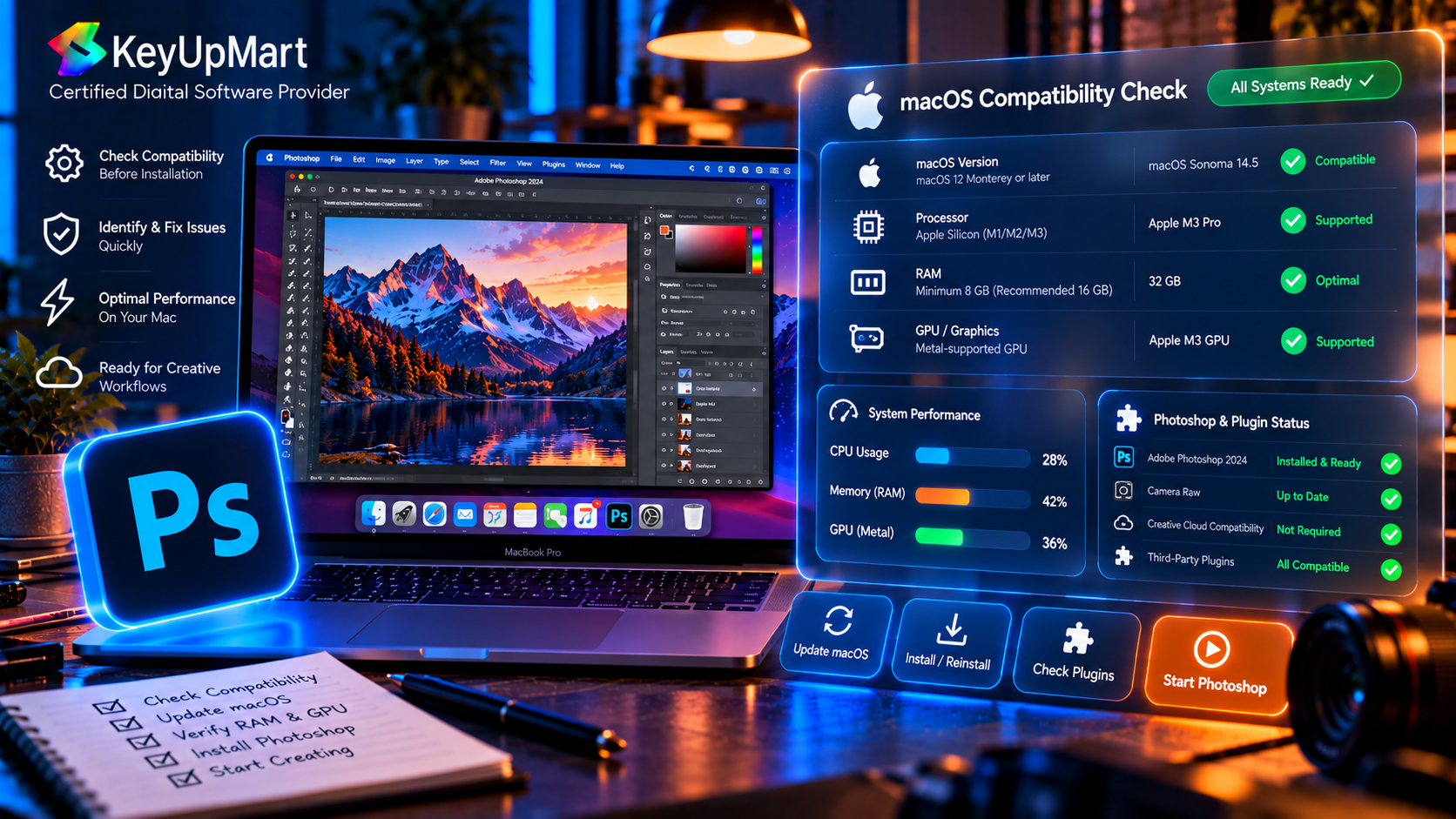
The exact macOS system requirements change with Photoshop releases. Before you download Photoshop for Mac, use Adobe’s current requirements page for the version you want to install. Check the minimum macOS version, supported processor architecture, memory, graphics requirements, display requirements, and available storage.
A practical system compatibility check should include more than the minimum numbers. Large layered files, raw photography, generative features, and high-resolution displays can require more memory and scratch space than a basic project. If Photoshop is part of your daily work, leave room for updates, temporary files, fonts, plug-ins, and a reliable backup of your projects.
- Confirm your macOS release is supported by the exact Photoshop version.
- Identify whether your Mac uses Intel or Apple Silicon and check the matching support notes.
- Keep adequate free storage for the application, scratch files, and project documents.
- Update graphics software and macOS only after confirming compatibility with your plug-ins.
- Test a copy of an important project before moving the entire workflow to a new version.
How to Install Photoshop on a Mac
Start by signing in to the Adobe account connected to your compatible plan. Use the Creative Cloud desktop application or the official delivery link provided for your product. Select Photoshop, confirm that the Mac version is being installed, and allow the download and setup process to complete.
After installation, open Photoshop and sign in if required. Create a small document, open a sample image, test a basic adjustment, save the file, and export a JPEG or PNG. This confirms that the application can access your storage, use the graphics system, and save files before you begin an important client project.
If your product is a one-time Windows license, stop before activation on Mac and ask the seller to confirm compatibility. Do not assume that changing the installer or using a different download will turn a Windows-only license into a Mac license.
Common Mac Compatibility Problems
Photoshop Will Not Install on macOS
Check that the product supports Mac and that your macOS version meets the requirements for the release. Confirm that you have enough free storage and administrator permission. If the Creative Cloud installer fails, restart the Mac and retry through the official application. Record the exact error before contacting support.
A Plug-In or Font Stops Working
A Photoshop update or processor change can affect older plug-ins, extensions, fonts, and automation scripts. Check the plug-in developer’s current compatibility notes and keep a backup of your working version before upgrading a production machine.
Photoshop Is Slow on Mac
Performance can be affected by memory, scratch-disk space, large files, cloud synchronization, external drives, and graphics settings. Close unnecessary applications, free scratch space, test a smaller file, and check the current Photoshop performance settings. If the problem began after an update, compare the exact Photoshop and macOS versions before changing multiple settings at once.
Frequently Asked Questions
Does Adobe Photoshop Work on MacBook Pro and MacBook Air?
Photoshop can work on supported MacBook Pro and MacBook Air models, but the exact experience depends on the Mac processor, macOS version, memory, graphics capability, and Photoshop release. Check the current system requirements before downloading the application.
Does Photoshop Work on Apple Silicon Macs?
Supported Photoshop releases can run on Apple Silicon Macs, including M1, M2, and M3 systems, but you should still verify the exact release and plug-in compatibility. The chip family is only one part of a complete system compatibility check.
Can I Use the KeyUpMart Lifetime Photoshop Product on Mac?
The KeyUpMart lifetime product is titled for Windows, so do not assume that it works natively on Mac. The separate one-year Photoshop subscription listing identifies Windows, Mac, and iPad support. Confirm the platform before purchase and contact support if your device is not clearly covered.
Is Photoshop or Lightroom Better for Mac Photography?
They serve different purposes. Lightroom is useful for organizing and processing a photo library, while Photoshop is stronger for detailed retouching, layers, and composites. Many photographers use both, depending on the project and the plan they choose.
Can I Move a Photoshop License From Windows to Mac?
Do not assume that you can move every license between platforms. Subscription plans and one-time products can have different terms. Check the exact license, account, activation, and device conditions before switching systems.
Conclusion
Adobe Photoshop works on Mac when the product, Photoshop version, macOS release, and Mac hardware are compatible. A current Creative Cloud subscription is the clearest route for users who need Photoshop for Mac, Apple Silicon support, ongoing updates, and a current account-based workflow.
A Windows-only lifetime edition should be treated differently. The KeyUpMart Photoshop 2021 lifetime listing is titled for Windows, while the separate Photoshop subscription listing identifies Windows, Mac, and iPad support. Match the license to the device, check system requirements, test plug-ins and files, and confirm the refund terms before activation.
Ready to use Photoshop on Mac? Choose the 1-Year Photoshop Subscription and confirm the current Mac support details.
Need to compare your options first? Compare all Photoshop products or Contact KeyUpMart support before purchase.