




Adobe Photoshop is one of the most capable tools for photo editing, graphic design, digital art, and professional image production. It is also one of the software products that creates the most confusion at checkout. Should you choose a subscription that keeps you on the latest release, or would a one-time purchase of an older professional edition be a better fit?
The right answer depends on how you work. A subscription is usually the better match for professionals who need current features, cloud-connected workflows, and the newest generative AI tools. A one-time license may be more attractive to buyers who want a defined edition, no recurring payments, and a stable Windows-based workflow. The important point is to compare the actual edition, platform, activation method, update policy, and refund terms – not just the price shown on the product card.
This guide explains the differences between the two models, shows how to think about the long-term cost, and helps you choose the Photoshop option that matches your workflow.
What Is Adobe Photoshop Used For?
Photoshop is a full professional image-editing environment rather than a single-purpose photo filter app. It can be used to retouch portraits, remove objects, repair old images, create social media graphics, design marketing materials, prepare product images, build composite artwork, and produce layered files for print or digital publishing.
Its workflow is built around layers, masks, selections, adjustment tools, smart objects, brushes, typography, filters, and non-destructive editing. That makes it useful for both simple and complex projects. A beginner may use it to crop, resize, and correct a photo, while a designer may combine dozens of layers, vector shapes, type elements, and color adjustments in a single project.
Photoshop is also used alongside other Adobe applications. Photographers often combine Photoshop with Lightroom for cataloging and raw-photo workflows. Designers may use it with Illustrator, InDesign, or Adobe Express. Creative Cloud plans can make that wider workflow easier, while a fixed Photoshop edition may be enough for someone who only needs the core application on one Windows computer.
Adobe’s Official Pricing: Creative Cloud Subscription Plans Explained
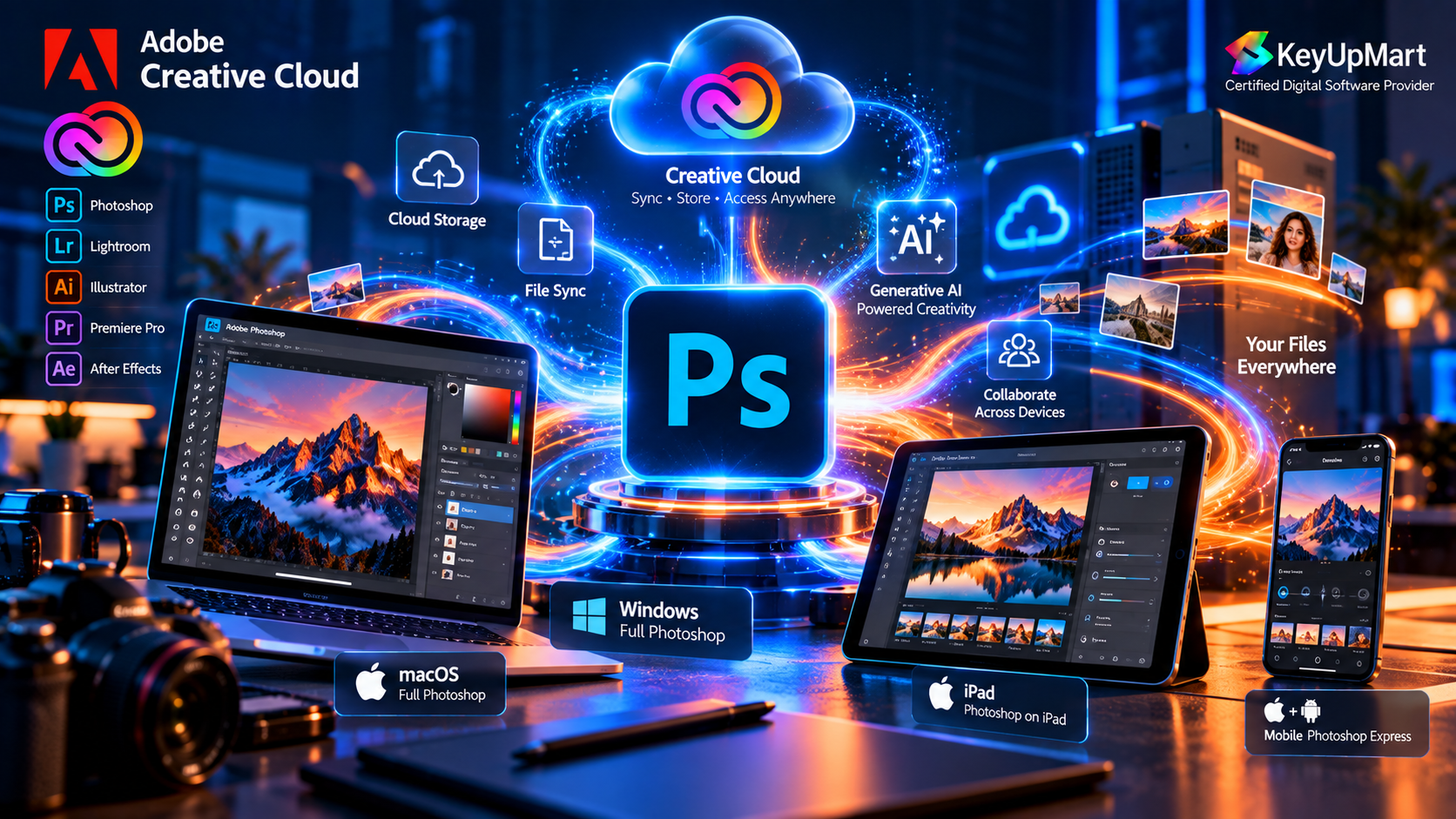
Adobe’s current consumer model for Photoshop is based on Creative Cloud subscriptions. Adobe offers plans that can be billed monthly or annually, depending on the plan and the billing terms selected. The exact price, included storage, cancellation terms, and available promotions can vary by country and can change over time, so buyers should always check the current official Adobe plan details before making a long-term comparison.
A subscription is not simply a rental of an installer. It normally connects the application to an Adobe account and gives the subscriber access to the edition and services included in the selected plan. The value of that arrangement comes from current releases, ongoing security and compatibility updates, cloud features, and access to features that may not exist in an older perpetual-style edition.
Monthly vs. Annual Photoshop Subscription Cost
Monthly billing is flexible and can be useful when you need Photoshop for a short project, a temporary contract, or a period of study. The trade-off is that the total cost can be higher over a full year than a plan with an annual commitment. Annual billing may reduce the effective monthly cost, but it can also involve a commitment or cancellation fee depending on the exact terms shown at checkout.
Before choosing an annual plan, read the billing language carefully. Check whether the plan is paid month to month with an annual commitment, paid for the full year in advance, or offered under another regional arrangement. Also check the renewal date so that you know when the next charge may occur.
What’s Included in the Creative Cloud Photoshop Experience
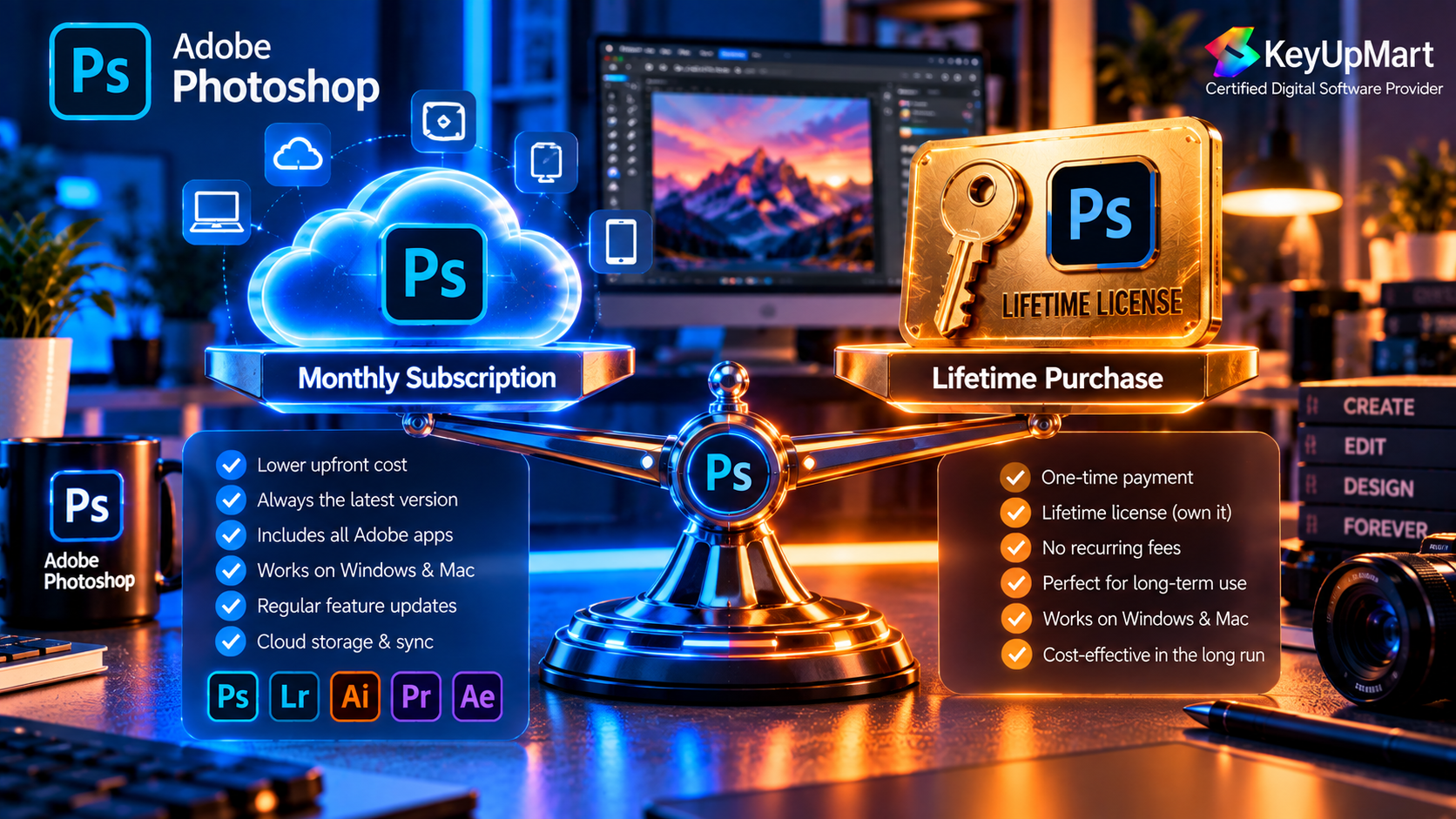
The subscription model is designed for people who want Photoshop to keep evolving. Depending on the plan, the benefits may include current desktop releases, support for newer operating systems, cloud storage, mobile or tablet access, Adobe Fonts, and generative AI capabilities connected to Adobe’s current services. Plan details are not identical in every market, so the product page and checkout terms should be treated as the final source of truth.
This is especially important for users who rely on new AI tools, current camera support, modern file compatibility, or collaboration features. If your work depends on the latest Photoshop capabilities, a subscription is usually easier to maintain than buying an older edition and trying to keep it compatible with future hardware and operating-system changes.
The One-Time Purchase Alternative: Photoshop 2021 Professional Edition
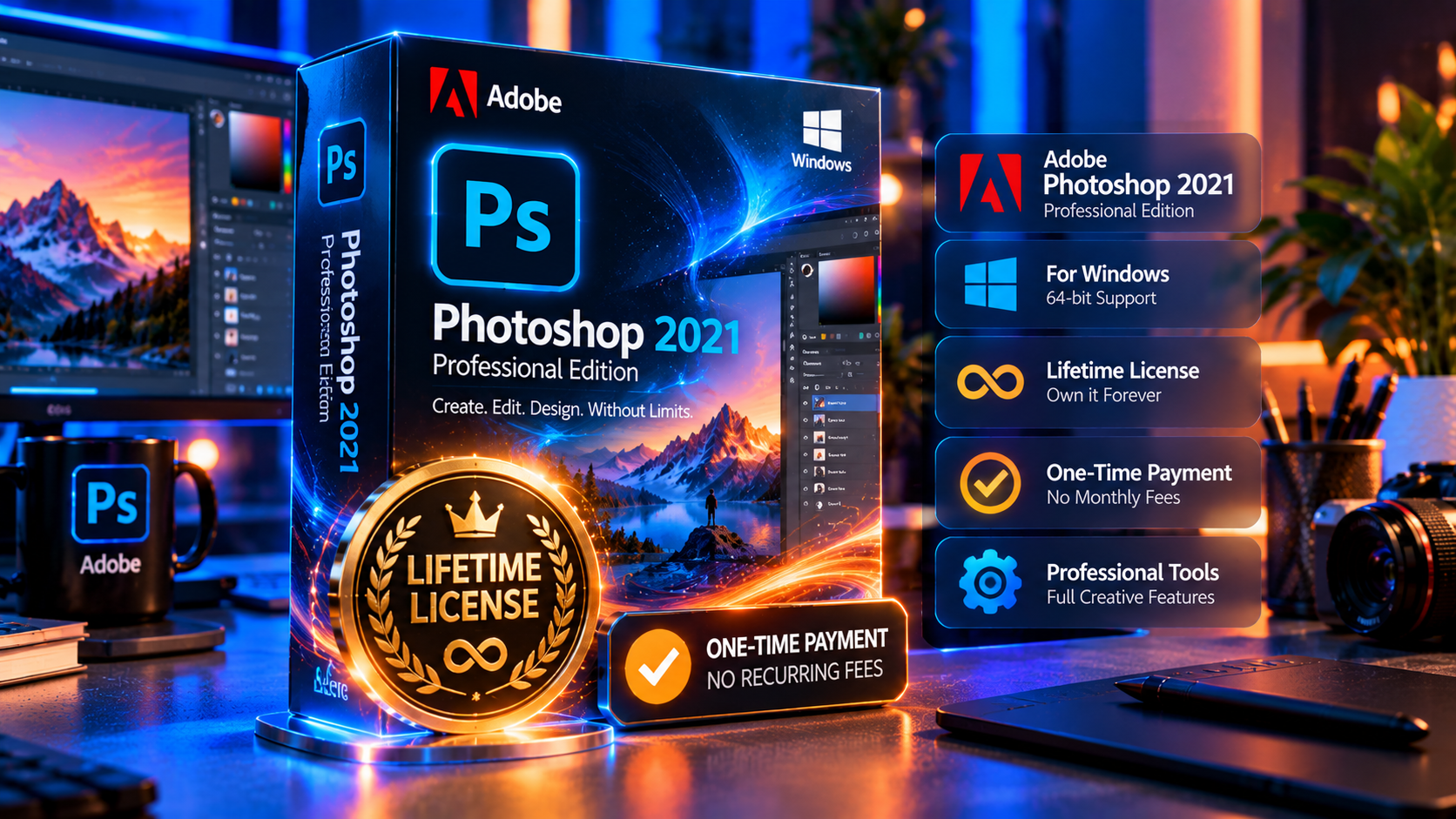
A one-time purchase follows a different model. Instead of paying recurring subscription charges, you buy access to a specific Photoshop edition under the terms attached to that product. On KeyUpMart, the listed one-time option is Adobe Photoshop 2021 Professional Edition – Lifetime License for Windows.
That wording matters. The product is identified as a 2021 Windows edition, so it should be evaluated as a fixed version for a Windows workflow. It should not be presented as identical to the current Creative Cloud release, and it should not be assumed to provide the same operating-system support, cloud services, or new AI features as a current subscription.
A one-time license can still be a practical choice. Many users do not need every new feature, do not want recurring payments, and prefer to install a defined version on a compatible computer. The best decision comes from understanding exactly what the product includes and what it does not include before buying.
What ‘Lifetime License’ Means in Practice
In this context, lifetime describes the duration of the purchased license for the listed edition rather than a promise that every future Photoshop release will be included. You receive the right to use the specified version according to the product’s license terms, activation rules, supported platform, and device limits.
A lifetime product may not include future major versions, new Creative Cloud services, current generative AI features, or the same update cycle as a subscription. It may also have specific activation requirements, such as a Windows-only platform or a limit on how many devices can be activated. Those details should be checked on the product page and kept with your order records.
What You Get and What You Do Not Get
The main benefit of the one-time model is predictability. You pay once for the listed edition instead of budgeting for a recurring subscription. You can also avoid subscription renewal reminders and continue using the version that meets your needs, provided that your computer remains compatible and the license remains within its stated terms.
The trade-off is that the feature set is fixed. You should not expect a 2021 one-time edition to become the newest Photoshop release through automatic version upgrades. Newer AI workflows, new camera support, current cloud capabilities, and newer operating-system compatibility may require a different product or a subscription plan.
For that reason, the one-time option is strongest for a buyer who values a stable Windows setup and a defined feature set. It is weaker for someone who needs Photoshop to track the newest hardware, file formats, and Adobe services year after year.
Subscription vs. Lifetime: Full Cost Comparison
The most useful comparison is not the first checkout price. It is the total cost over the period you expect to use Photoshop, combined with the value of the features you need. A subscription may cost less during a short project, while a one-time license may cost less over several years if the fixed edition remains sufficient.
One-Year Cost
For a one-year comparison, place the current annual cost of the Adobe plan beside the current one-time price of the specific KeyUpMart edition. The subscription gives you the current plan’s included updates and services for that period. The one-time product gives you the listed edition for its stated license duration, but it does not automatically become the newest Photoshop release.
A fair one-year decision therefore depends on your needs. If you need the latest AI tools, current releases, or Mac/iPad access, the subscription benefits may justify its cost. If you only need a compatible Windows installation and want to avoid another charge next year, the one-time edition may be more economical for your use case.
Three-Year and Five-Year Cost
Over three or five years, recurring payments become the central issue. A subscription’s total is the effective yearly cost multiplied by the number of years, subject to price changes and promotions. A one-time license starts with a single purchase, but you must account for the possibility that you may later need a newer edition, a different platform, or a separate application for new features.
When you make the comparison, use the same currency and the same billing period for both options. Include taxes, renewal changes, promotional pricing that may expire, and any cost involved in moving to a newer edition later. Do not compare a temporary first-year promotion with a full lifetime price and assume the difference will remain unchanged. Write down the price that applies after the promotion as well as the price shown today.
It is also useful to separate ownership cost from workflow cost. The subscription may include services that would otherwise require separate tools, storage, or manual work. The one-time edition may reduce recurring spending but could require an upgrade sooner if your operating system, camera, plugin, or client requirements change. A clear comparison should show both the cash total and the practical trade-off.
The simple break-even formula is:
- Break-even years = one-time license price divided by the effective annual subscription cost.
This formula is only a starting point. It does not assign a price to cloud storage, current AI tools, mobile access, compatibility updates, or the time saved by using a newer release. It also does not assume that a subscription price will remain unchanged. Use it to frame the decision, then compare the actual features you will use.
Break-Even Point: When Does the Lifetime Edition Start Saving Money?
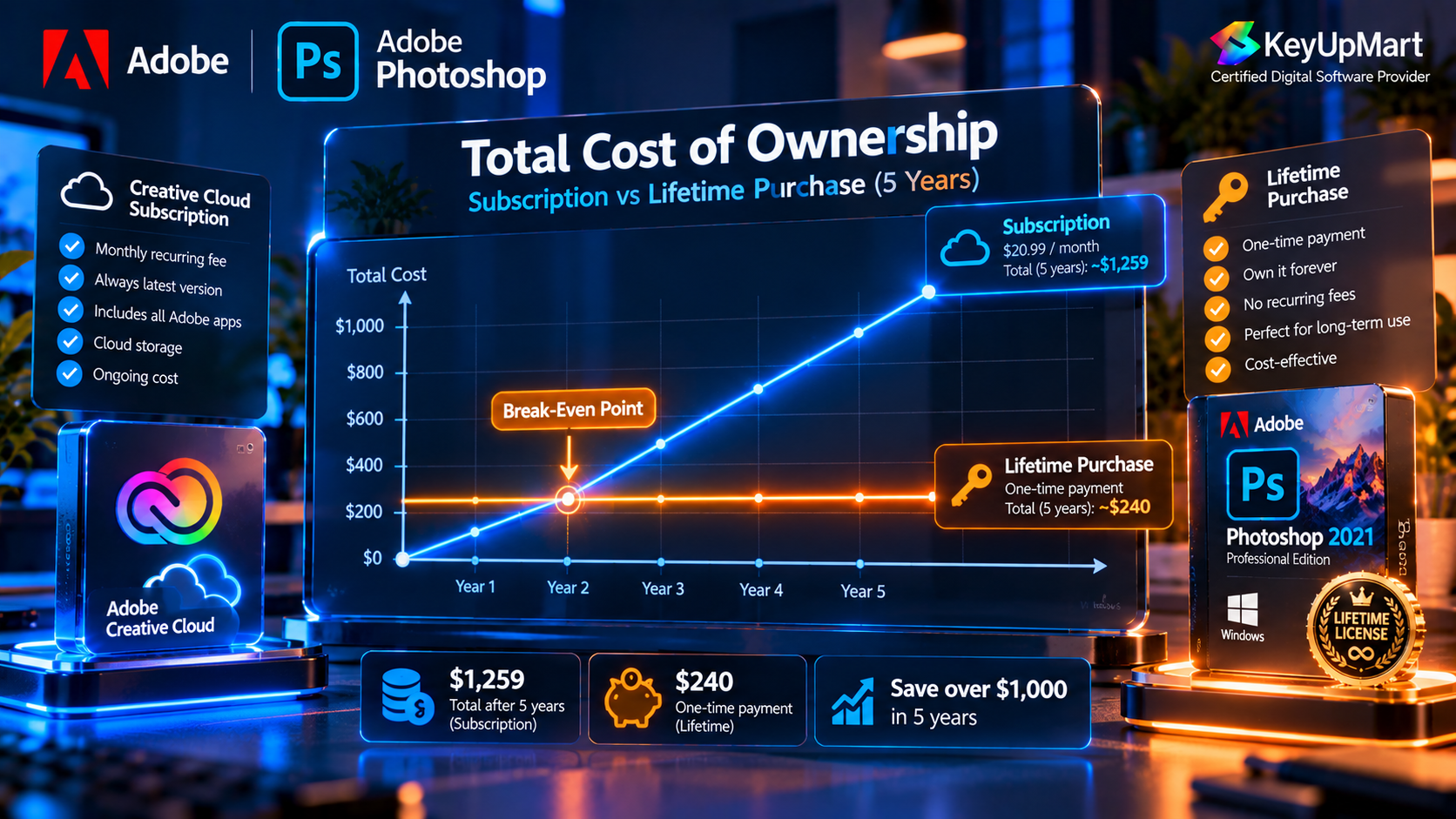
The lifetime edition starts to look financially attractive when you expect to use the same Windows edition for longer than the break-even period and its fixed feature set continues to meet your needs. For example, a buyer who edits personal photos, creates occasional graphics, and does not need new generative features may keep receiving value from the same edition for years.
The break-even point is less useful for a professional whose income depends on current Photoshop capabilities. If a newer camera, operating system, plugin, or client workflow requires a current release, the cost of switching later can reduce the apparent savings of the one-time purchase. This is why the correct comparison is based on workflow requirements, not price alone.
Which Option Should You Choose?
Choose a Subscription If You Need the Latest AI Tools
A subscription is the safer choice for users who want current generative AI features, regular improvements, modern file compatibility, and access to the latest Photoshop capabilities. It is also a better fit for people who regularly move between supported devices or who rely on Adobe’s broader Creative Cloud ecosystem.
Professional photographers, agencies, content teams, and designers who deliver client work on a regular schedule usually benefit from staying current. The subscription cost becomes part of the operating cost of the business, while compatibility and new features can help avoid interruptions in production.
Choose a One-Time License If You Want a Stable Windows Setup
A one-time edition may suit you if you use Windows, prefer a stable toolset, want to avoid recurring payments, and do not need every new Photoshop feature. It can also be a practical option for personal projects, basic professional work, archived workflows, and users who prefer to keep one known version installed.
Before purchasing, confirm the platform, supported operating system, activation method, device limit, update policy, and refund terms. The product title and description should match your actual computer and usage. If you need Mac or iPad support, do not select a Windows-only lifetime product just because the price is lower.
Choose Carefully If You Are a Freelancer or Small Studio
Freelancers and small studios often sit between the two options. A subscription may be justified when Photoshop is used every week for paid client work, especially when clients expect current formats or AI-assisted features. A one-time edition may be sufficient when the studio has a stable Windows workflow and the work does not depend on the newest features.
One useful approach is to separate essential work from optional features. List the tools you use every week, the operating systems your team supports, the files you exchange with clients, and the features that would cause a real problem if they were unavailable. Then compare those requirements against the exact edition you are considering.
Available Photoshop Options at KeyUpMart
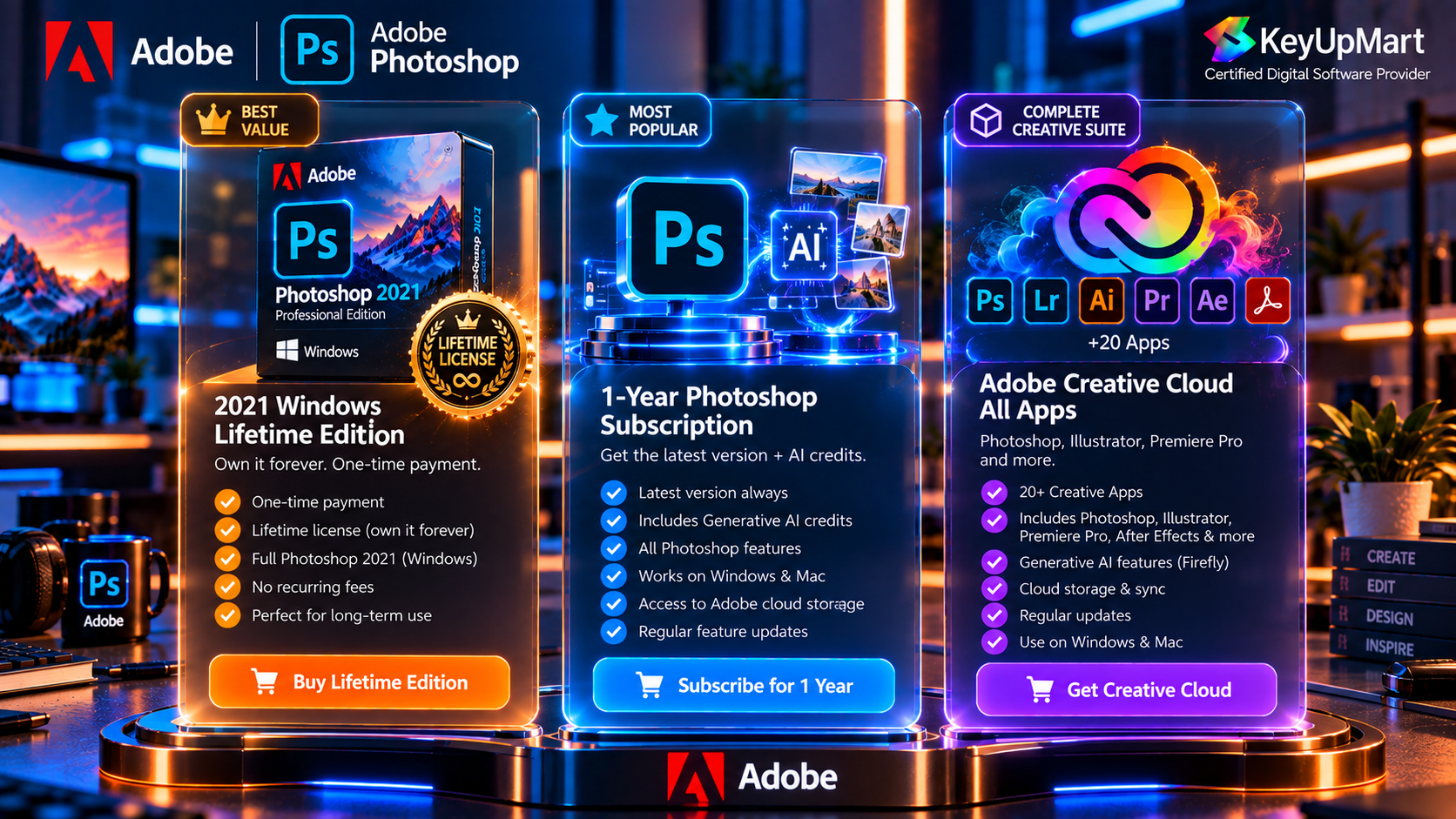
KeyUpMart currently presents more than one Adobe route, so the best product depends on the license model and platform you need.
- Adobe Photoshop 2021 Professional Edition – Lifetime for Windows is the fixed-edition, one-time purchase option. It is intended for a Windows workflow and should be evaluated based on the listed 2021 feature set, activation instructions, device terms, and refund policy.
- Adobe Photoshop 1-Year Subscription with 10,000 AI Credits is the subscription-style option. Its product details list Windows, Mac, and iPad compatibility, a one-year term, AI credits, and access connected to an Adobe account. Confirm the current product terms before checkout because subscription details can change.
- Adobe Creative Cloud All Apps is intended for buyers who need Photoshop alongside other Adobe applications. It can make sense when your workflow also includes tools for illustration, video, layout, web, or photography, but it should be compared against the cost of buying only the Photoshop subscription you actually need.
For the most accurate decision, read the individual product page rather than relying only on a category description. The product page contains the details that matter most: platform, validity, activation method, device limit, included applications, delivery method, and refund eligibility.
Frequently Asked Questions
Can I Still Get Updates With the Lifetime Edition?
You should not assume that a lifetime edition includes every future Photoshop release. A lifetime license normally refers to continued use of the listed edition under its terms. Check the product description for the update policy and compare it with your need for new features, operating-system support, and camera compatibility.
Does Adobe Still Sell a Perpetual Photoshop License Officially?
Adobe’s current consumer Photoshop model is centered on Creative Cloud subscriptions. A third-party one-time listing should therefore be described accurately as a license for a specific edition, not as a promise that Adobe’s current subscription has been replaced. Always review the edition, source, activation method, and license terms before buying.
Is a One-Time Purchase Photoshop License Genuine and Safe?
Safety depends on the seller, the source of the license, the activation path, and the clarity of the product terms. A trustworthy listing should explain the exact edition, supported platform, delivery method, activation process, device limit, and refund policy. You should also be able to install and activate through the stated Adobe process rather than being directed to unofficial downloads.
Can I Use the Windows Lifetime Edition on a Mac?
Do not assume so. The KeyUpMart lifetime product is titled for Windows, while the separate subscription product lists Windows, Mac, and iPad. Choose the product whose platform details match your device, and contact support before purchase if your setup is not clearly covered.
What Happens If My Key or Subscription Does Not Work?
Keep your order number, activation instructions, and screenshots of any error message. Contact the seller through the support channel shown on the product page and follow the stated troubleshooting process. If the issue cannot be resolved, review the product’s refund window and eligibility conditions before requesting a refund.
Conclusion
The choice between a Photoshop subscription and a one-time lifetime license is really a choice between a current, continuously updated service and a defined edition with no recurring payment. Neither option is automatically best for everyone.
Choose the subscription if you need the latest Photoshop features, AI tools, current compatibility, cloud-connected workflows, or support across Windows, Mac, and iPad. Choose the one-time Windows edition if you want a stable version, understand its fixed feature set, and prefer to pay once instead of renewing every year.
Before checkout, compare the actual product terms, not only the headline price. Confirm the platform, edition year, activation method, number of supported devices, update policy, included services, and refund terms. That short review will help you choose the Photoshop license that fits your workflow and avoid paying for features you do not need – or discovering too late that the product does not support your computer.
Looking for a fixed Windows edition? View Photoshop 2021 Lifetime for Windows and review its current terms.
Need current Photoshop features or multiple Adobe apps? View the Photoshop 1-Year Subscription or explore Creative Cloud All Apps.