




Searching for a Photoshop download can lead to many different results: Adobe’s current Creative Cloud workflow, older Photoshop editions, trial pages, third-party license listings, and unofficial installers that should never be trusted. The safest choice is not simply the first file that appears in search results. It is the version and source that match your device, license, workflow, and security requirements.
This Adobe Photoshop download guide explains where to look for a legitimate version, how to compare current subscription access with a fixed one-time edition, how to verify the source before installing, and how to avoid cracked or modified files. It is designed for readers who want to know where to get Photoshop before they begin the installation process.
A separate installation guide can walk through each setup screen in detail. This article focuses on the broader download decision: which Photoshop application you need, which source is appropriate, what the product should include, and how to recognize a risky download before it reaches your computer.
Where Can You Legitimately Download Adobe Photoshop?
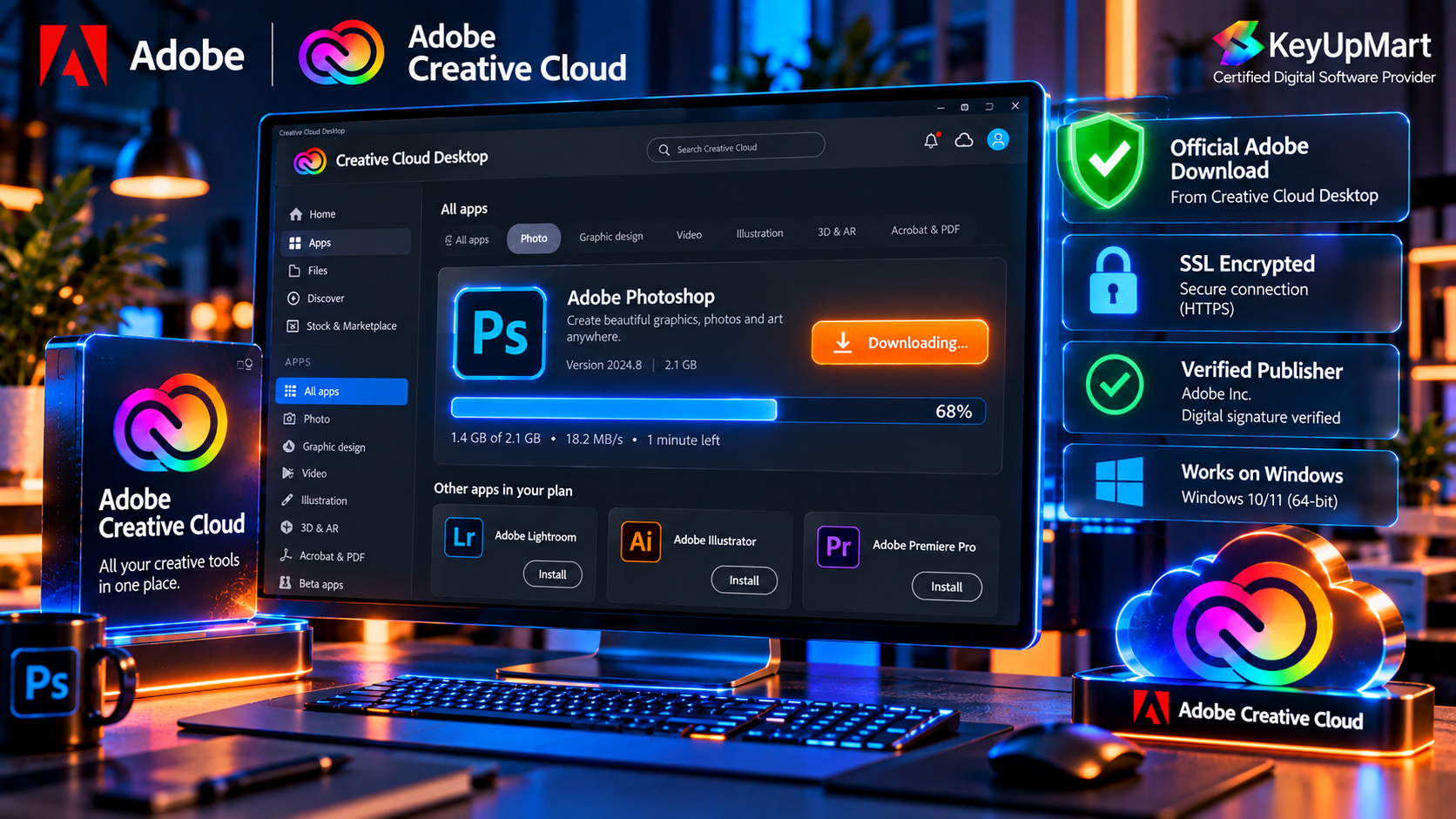
Adobe’s Official Download and Creative Cloud Workflow
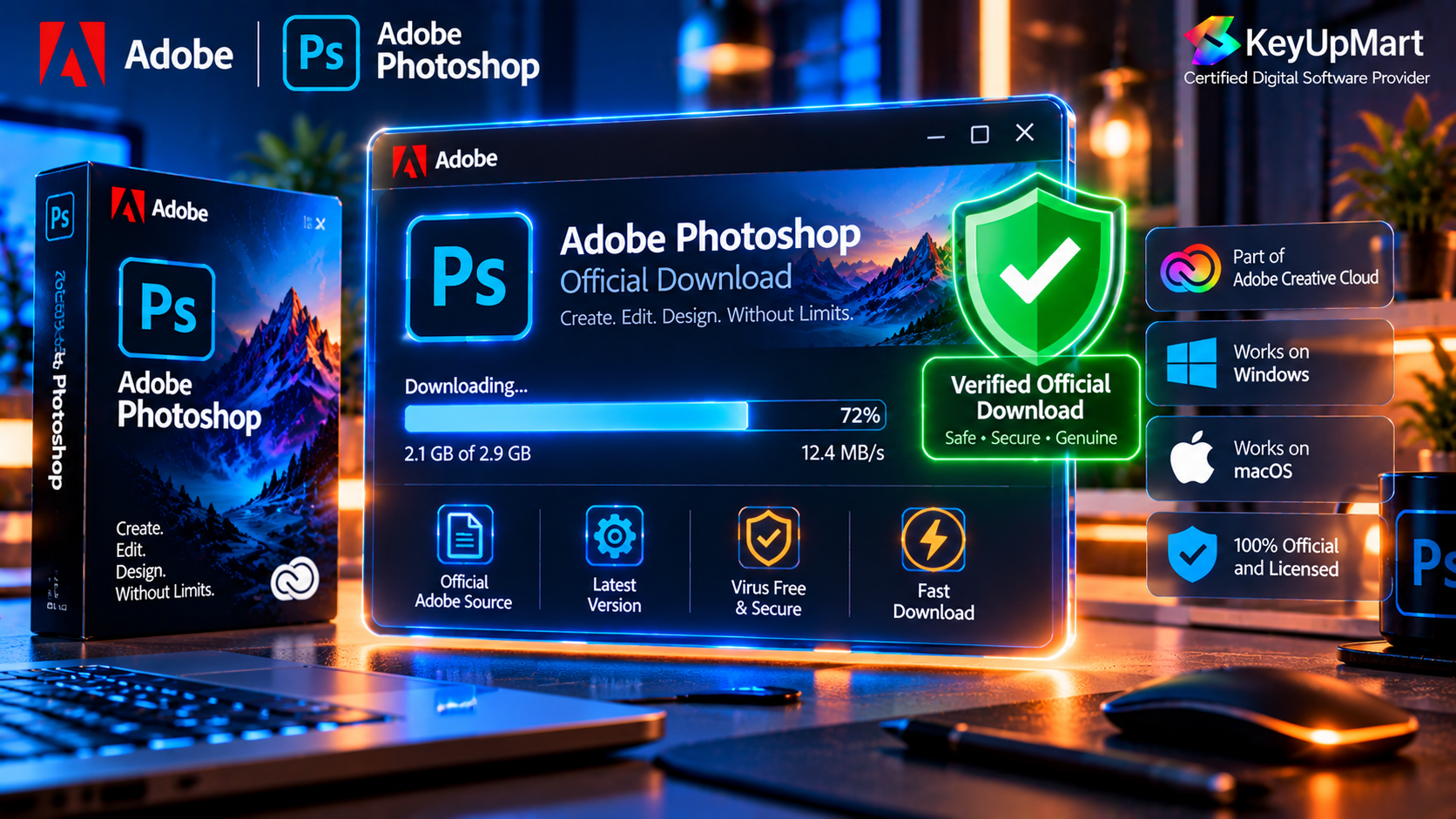
The primary source for a current Photoshop download is Adobe’s official product and Creative Cloud workflow. Current subscription users normally sign in to the Adobe account connected to their plan and use the Creative Cloud desktop application or the official download route provided by Adobe. This method connects the application to the account, manages updates, and helps confirm whether the plan is active.
If you search for download Photoshop, download Adobe Photoshop, or Adobe download Photoshop, focus on the official Adobe domain and the account process associated with the product. A genuine installer should not require you to disable security software, replace system files, or use a patch to bypass activation.
An Authorized Product and Clear Delivery Instructions
Some buyers purchase a license through a reseller rather than directly from Adobe. In that case, the product page should explain the edition, platform, delivery method, activation process, device limit, validity, and refund policy. It should also explain whether the subscription is linked to an Adobe email address or whether a product key must be redeemed through the stated Adobe process.
A clear delivery process matters because a license key and an installer are not the same thing. The key identifies the license or redemption path. The application should still come through the official or authorized installation process described in the order instructions. Be cautious when a seller sends an unknown executable instead of directing you to a trusted application workflow.
How to Choose the Right Photoshop Version
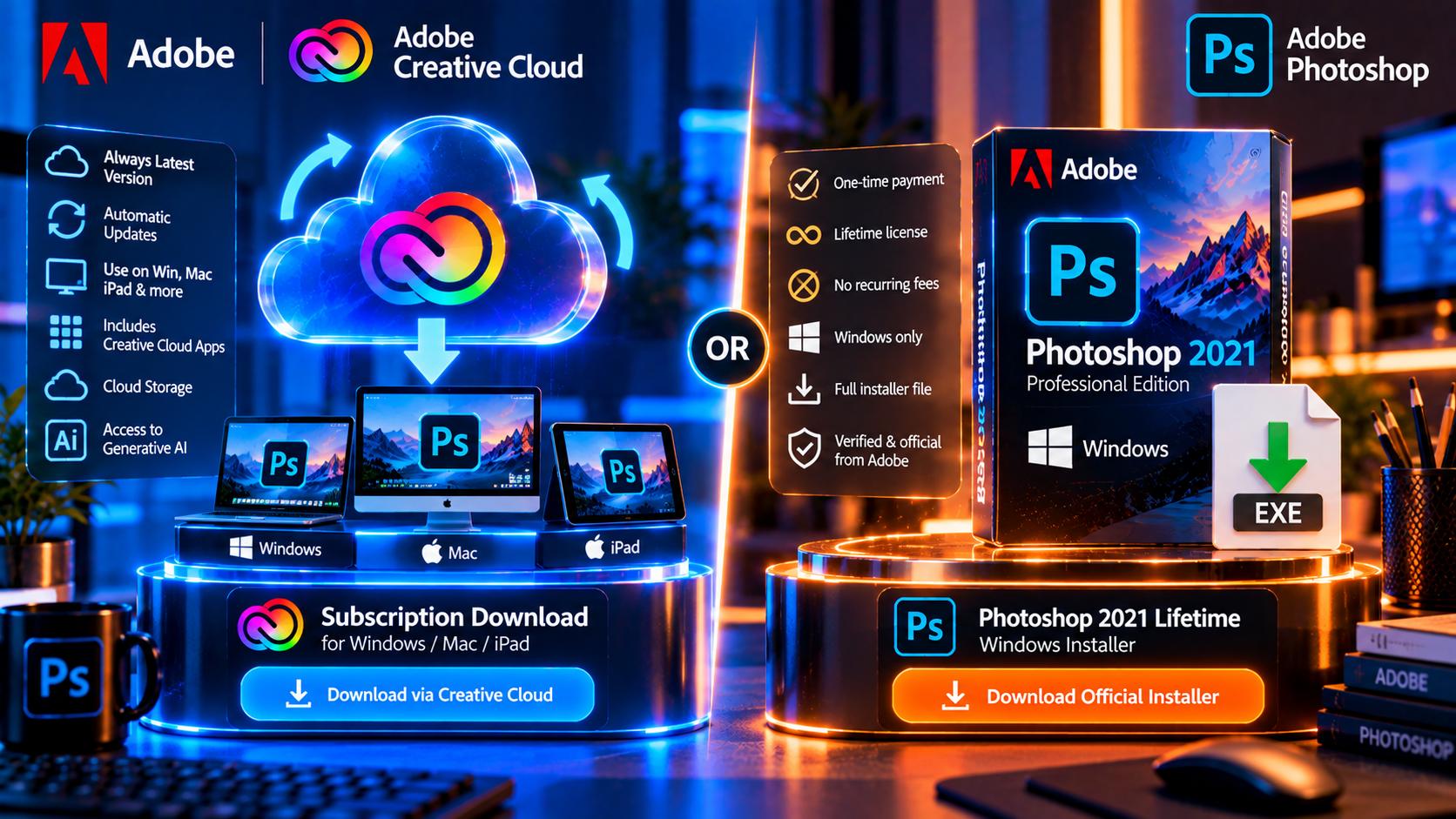
Current Subscription Version
A current subscription is usually the right choice when you need the newest Photoshop features, ongoing updates, current camera support, cloud-connected services, cross-platform access, or AI editing tools. It is also the better match for professionals who need their application to keep pace with operating-system changes and current client workflows.
The exact features, storage, AI credits, device access, and billing terms depend on the plan and region. Read the current plan details before you purchase, especially when a promotion or reseller listing highlights one feature but does not explain the complete subscription terms.
One-Time Photoshop Edition
A one-time edition can suit a buyer who wants a defined version and no recurring subscription charge. The trade-off is that the feature set is fixed to the listed edition. It may not include future major releases, current AI services, new cloud features, or support for every future operating system.
The phrase Photoshop lifetime download should be understood together with the edition year and platform. A lifetime license normally refers to continued use of the listed edition under its terms. It does not automatically mean that you can download every future version of Photoshop without another purchase or active plan.
Windows and Mac Compatibility
Before you download Adobe Photoshop, confirm whether the product supports Windows, Mac, or both. A Windows-only product should not be installed on macOS as though it were a cross-platform license. Check the operating-system version, processor support, memory, graphics requirements, device limit, and activation method before you pay or redeem a key.
This is especially important when comparing an older one-time product with a current subscription. The KeyUpMart Photoshop 2021 Professional Edition listing is titled for Windows, while the separate one-year subscription listing identifies Windows, Mac, and iPad support. These are different products and should not be described as interchangeable.
Subscription Version vs Lifetime Edition
What the Subscription Includes
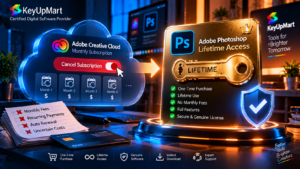
A subscription is built around continued access to a current plan. Depending on the product, it may include the latest desktop release, updates, Adobe account access, cloud features, current AI tools, and support for more than one platform. The main value is not just the initial download. It is the continuing service and the ability to move with new releases.
The subscription model is usually stronger for professional users, photographers who need current camera support, teams that share a modern workflow, and creators who use generative tools. It can be less attractive to a casual user who only needs a stable older feature set and does not want recurring payments.
What the Lifetime Edition Includes
A lifetime or one-time edition is tied to a specified product version. The product page should identify the edition year and platform, and it should tell you how activation works. The one-time model can make budgeting easier because there is no scheduled monthly renewal for the listed license, but you must accept the fixed feature set and support conditions.
A lifetime edition may be a reasonable fit for a Windows user who wants a stable installation, understands the feature limits, and does not require the newest Photoshop AI tools. It is not a safe choice for someone who assumes it will run on Mac, include every future update, or provide the same cloud services as a current subscription.
Step by Step: Safe Photoshop Download Process
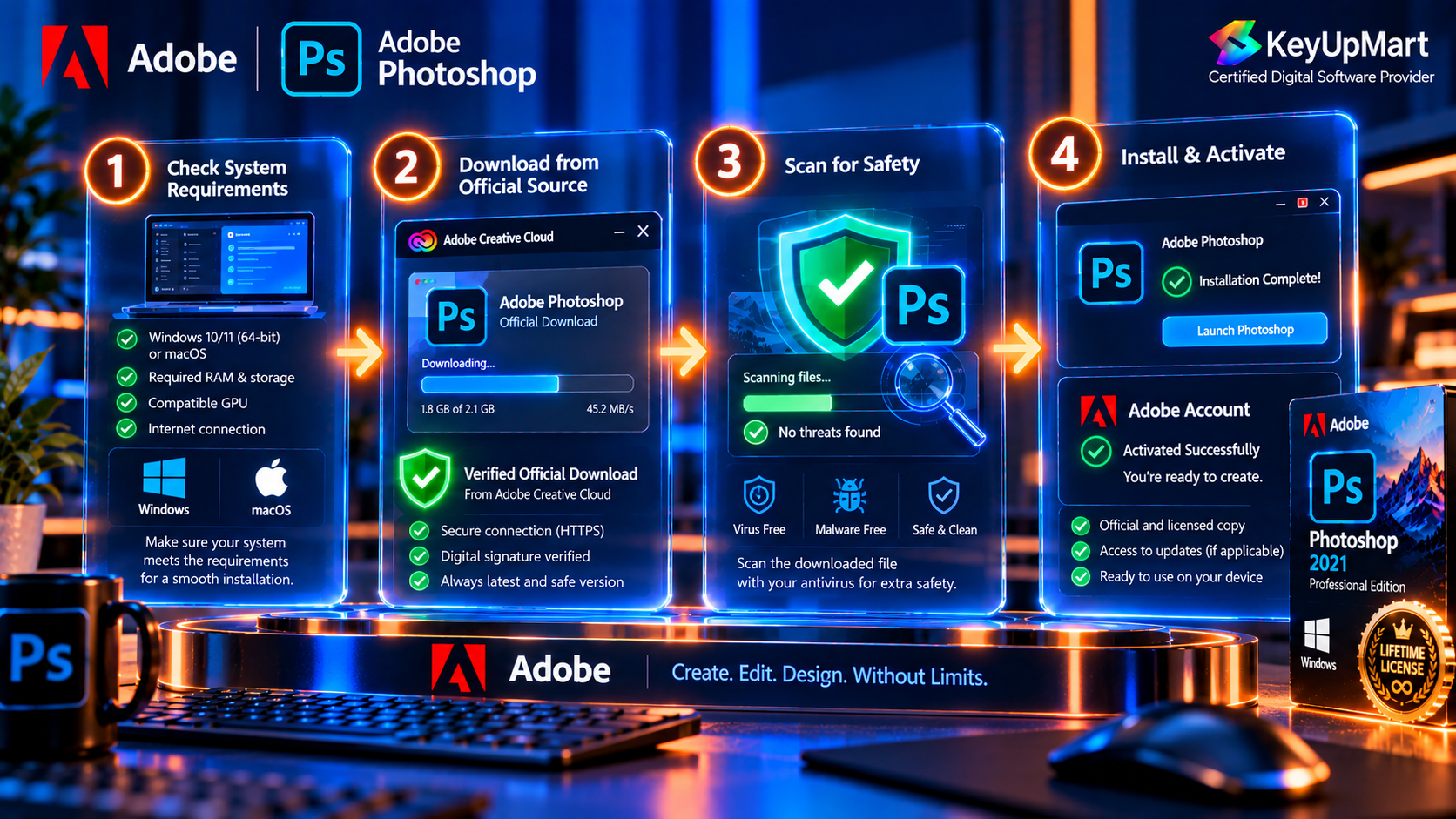
Step 1: Confirm the Product and Platform
Read the complete product title and short description. Look for the edition year, Windows or Mac platform, validity, device limit, activation type, delivery method, and refund window. If any of these details are missing, ask support before purchasing rather than guessing.
Step 2: Check Your Computer
Use the current system requirements for the exact Photoshop version you plan to download. Confirm the operating system, free storage, memory, graphics support, internet connection, and administrator access. Newer Photoshop releases can require different hardware or system support than older editions.
Step 3: Save Your Order and Activation Details
Save the order number, product name, installation guide, activation instructions, and support contact. Keep the license key private. Do not paste a full key into a public review or send it through an unverified account. A good support request can identify the order and error without exposing the full credential.
Step 4: Use the Stated Official Download Route
Use Adobe Creative Cloud, the official Adobe account workflow, or the authorized redemption and download process described with your product. Do not use a search result that redirects through several unknown domains, asks for a password unrelated to Adobe, or provides a pre-activated executable.
Step 5: Verify the Installer Before Running It
Check the file name, source, download location, and operating-system format. Keep your security tools active. If the installer asks you to turn off protection, install a browser extension, or run a crack, cancel the process. Downloading Photoshop safely is more important than saving a few minutes at the start.
Step 6: Install and Activate the Correct Edition
Run the installer with the permissions required by your operating system, then follow the account or activation steps for the product. Check the edition and platform after launch. If the license does not activate, stop before repeatedly entering keys or downloading alternative files. Contact support with the order details and exact error message.
How to Verify You Have a Genuine Working Copy
The Product Matches the Listing
After installation, confirm that the application name, edition, platform, and activation status match the product you bought. If the listing says Windows 2021 and the installer claims to be a different release, do not assume that the difference is harmless. Ask the seller to explain the mismatch before continuing.
Activation Uses the Stated Account or Adobe Process
A genuine license should activate through the account, redemption address, or method described in the product instructions. Be suspicious of software that works only after a patch, a modified DLL, a serial generator, or a system change that bypasses the normal Adobe process.
The Application Opens and Exports Correctly
Create a small document, open an image, test a basic adjustment, save the project, and export a JPEG or PNG. This confirms that the application can access storage and complete a normal workflow. Test important features before the stated refund or support window ends.
Why You Should Avoid Cracked or Unofficial Photoshop Downloads
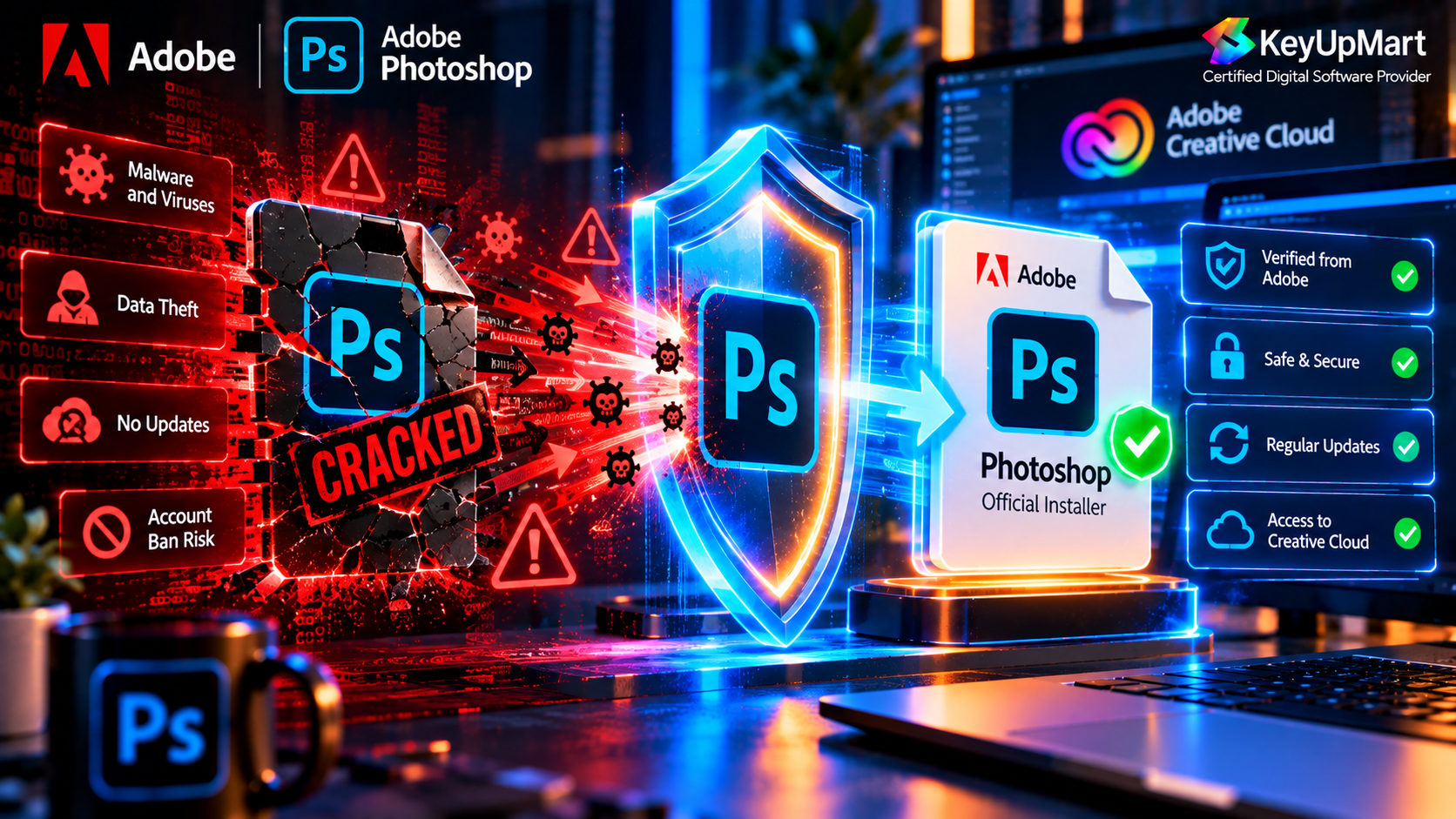
A cracked Photoshop download is not a safe shortcut. Modified installers can include malware, credential theft, ransomware, hidden cryptocurrency miners, or code that interferes with other applications. Even when the program opens, it may fail after an update, damage files, expose account passwords, or violate the license terms of the software and the content you create.
Unofficial downloads also make support difficult. A seller or Adobe support team cannot reliably troubleshoot a modified executable, and a security tool may quarantine it later. The small amount of money or time saved at download can become a much larger cost when the computer or client files are compromised.
Red Flags in a Photoshop Download Listing
- A promise of the newest full Photoshop version with no license, account, or product terms.
- A request to disable antivirus or browser security before running the file.
- A pre-activated installer, crack, patch, key generator, or modified system file.
- No clear edition year, platform, activation method, device limit, or refund policy.
- A product that claims to be Windows and Mac without explaining the license terms.
- A download link that comes from an unrelated domain and has no verifiable seller support.
System Requirements Before You Download
System requirements vary between Photoshop releases. Before an Adobe Photoshop 2025 download or Adobe Photoshop 2026 download, check the current requirements for the exact build and operating system. Do not rely only on a search snippet or an old blog post, because support for operating systems, processors, graphics hardware, and plug-ins can change.
A practical check should include:
- Supported Windows or macOS version and processor architecture.
- Memory and graphics capability for the files and AI tools you plan to use.
- Free installation and scratch-disk storage.
- Compatibility with cameras, scanners, fonts, plug-ins, and external drives.
- A backup plan for project files before any major installation or upgrade.
Frequently Asked Questions
Where Can I Download Photoshop Safely?
Use Adobe’s official Creative Cloud or account workflow, or follow the authorized delivery and activation instructions supplied with a legitimate product. Avoid cracked installers, unknown download sites, and files that promise a full version without a clear license.
Is Photoshopdownload a Safe Search Term?
The phrase Photoshopdownload or similar variations can lead to many unrelated sites. Judge the result by its domain, license information, installer source, activation process, and support policy rather than by the keyword in the page title.
Can I Download Adobe Photoshop for Free?
You may be able to access an official trial or limited Adobe tool when Adobe offers it, but a full Photoshop installation requires the appropriate license or subscription. A free executable from an unknown site is not a safe or legitimate replacement for an official download.
What Is Adobe Photoshop Essentials Download?
Searches for Adobe Photoshop Essentials download can refer to tutorials, older product naming, or unrelated download pages. Confirm the exact application and source before installing anything. Do not assume that a page using the word Essentials is an official Adobe Photoshop product.
How Do I Download the Newest Photoshop Version?
Check the current Adobe release and plan details, confirm your operating-system support, and use the Creative Cloud or authorized account workflow. If you are purchasing a fixed edition, download the edition identified in the product instructions instead of assuming it includes the newest release.
Can I Use a Lifetime Photoshop Download on Mac?
Only when the product terms explicitly support Mac. The KeyUpMart Photoshop 2021 lifetime listing is titled for Windows, so Mac users should review the separate subscription listing or contact support before purchase.
Conclusion
The safest Photoshop download is the one that matches a clear product, a supported platform, and a legitimate activation process. Start with the edition and device, check the system requirements, save the order details, use the stated official download route, and verify the installer before running it.
A current subscription is usually the better choice for the newest Photoshop features, AI tools, updates, and cross-platform workflows. A one-time edition can suit a Windows user who wants a stable fixed version and understands its limits. In both cases, avoid cracked files and unclear download listings. Safe installation starts with choosing a trustworthy source.
Ready to download Photoshop from a clear product source? Compare Photoshop products on KeyUpMart and review the platform and activation details.
Need a specific Photoshop edition? Choose the 1-Year Subscription or view Photoshop 2021 Lifetime for Windows.