




A practical guide to Adobe Creative Cloud Photoshop plans, included apps, cloud storage, AI credits, Lightroom value and purchase options
When people search for adobe creative photoshop cc, photoshop adobe cc, or adobe cc photoshop, they are usually trying to understand what the Creative Cloud name means and whether the subscription provides enough value for their work. The short answer is that Photoshop CC refers to the current subscription-based version of Photoshop delivered through Adobe Creative Cloud. The app is installed on your computer, while the subscription provides licensing, updates, account services and access to the features included with your selected plan.
The right choice depends on how you work. A photographer may need Photoshop and Lightroom together. A designer may need Photoshop alone. A studio may need several Creative Cloud applications, shared storage and team administration. This guide explains what is included, how the main plans differ, how to compare recurring cost with a one-year license, and what to check before buying.
What Does Photoshop CC Actually Mean?
Photoshop CC is the Creative Cloud edition of Adobe Photoshop. The CC label became widely used when Adobe moved Photoshop from older perpetual desktop releases to a continuously updated subscription model. Today, many people still use Photoshop CC as a familiar search term, while Adobe usually presents the product simply as Photoshop within Creative Cloud.
Creative Cloud is more than a download location. It connects the desktop application with your Adobe account, plan entitlement, updates, cloud services and related applications. Photoshop itself remains a powerful desktop image-editing and design application for retouching, compositing, illustration, typography, photo manipulation and AI-assisted workflows.
A subscription also means that the cost and included benefits can change when Adobe updates plans, regional pricing, promotional offers or feature limits. Always check the current product page and billing terms before committing to a longer period.
What Is Included in the Photoshop Creative Cloud Plan
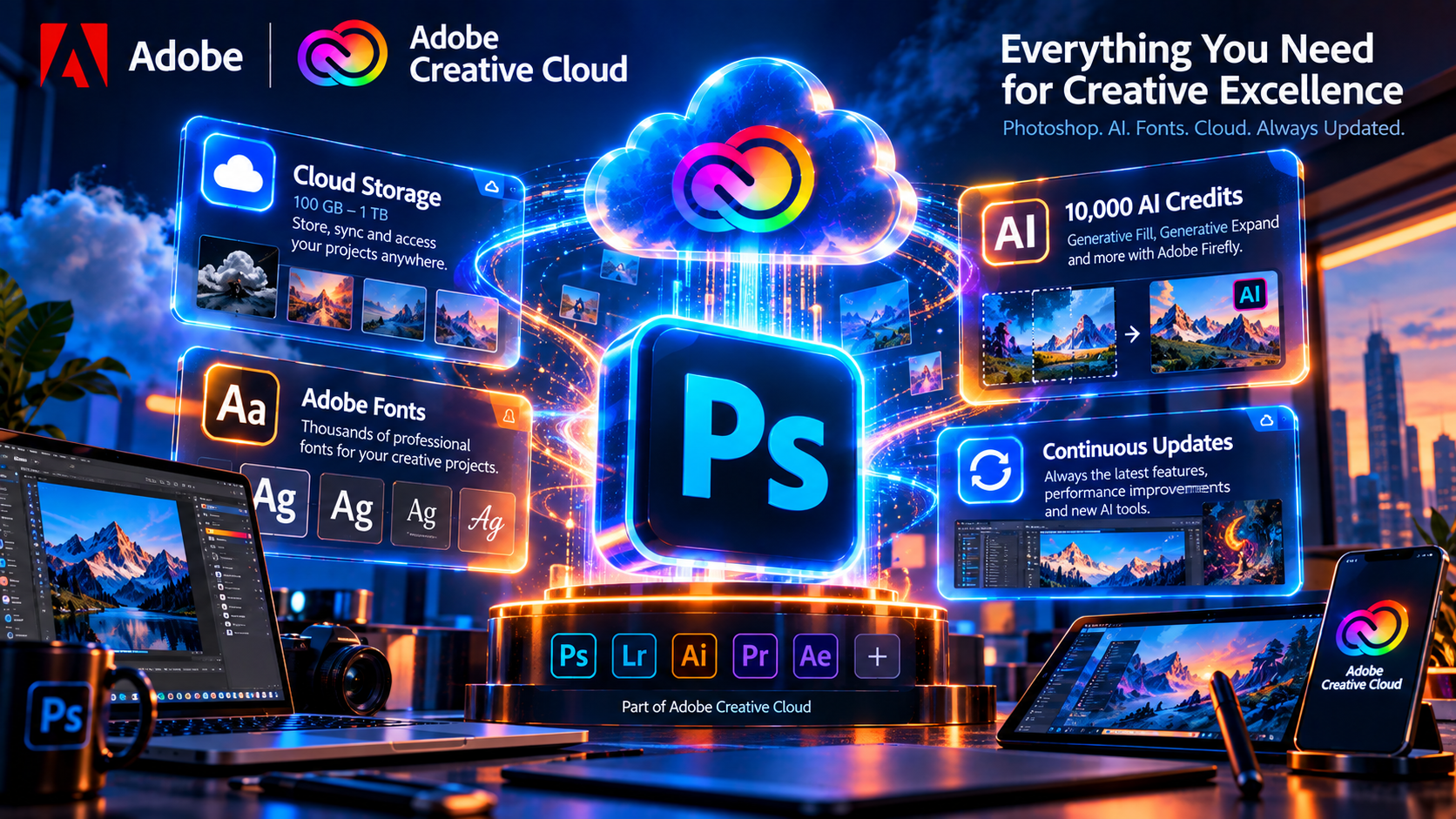
The exact package depends on the plan you select, but a Photoshop-focused Creative Cloud subscription typically centers on the full desktop version of Photoshop. It may also include tablet access, cloud storage, Adobe Fonts, Adobe Stock trial benefits or other services depending on the offer and region.
The Photoshop application
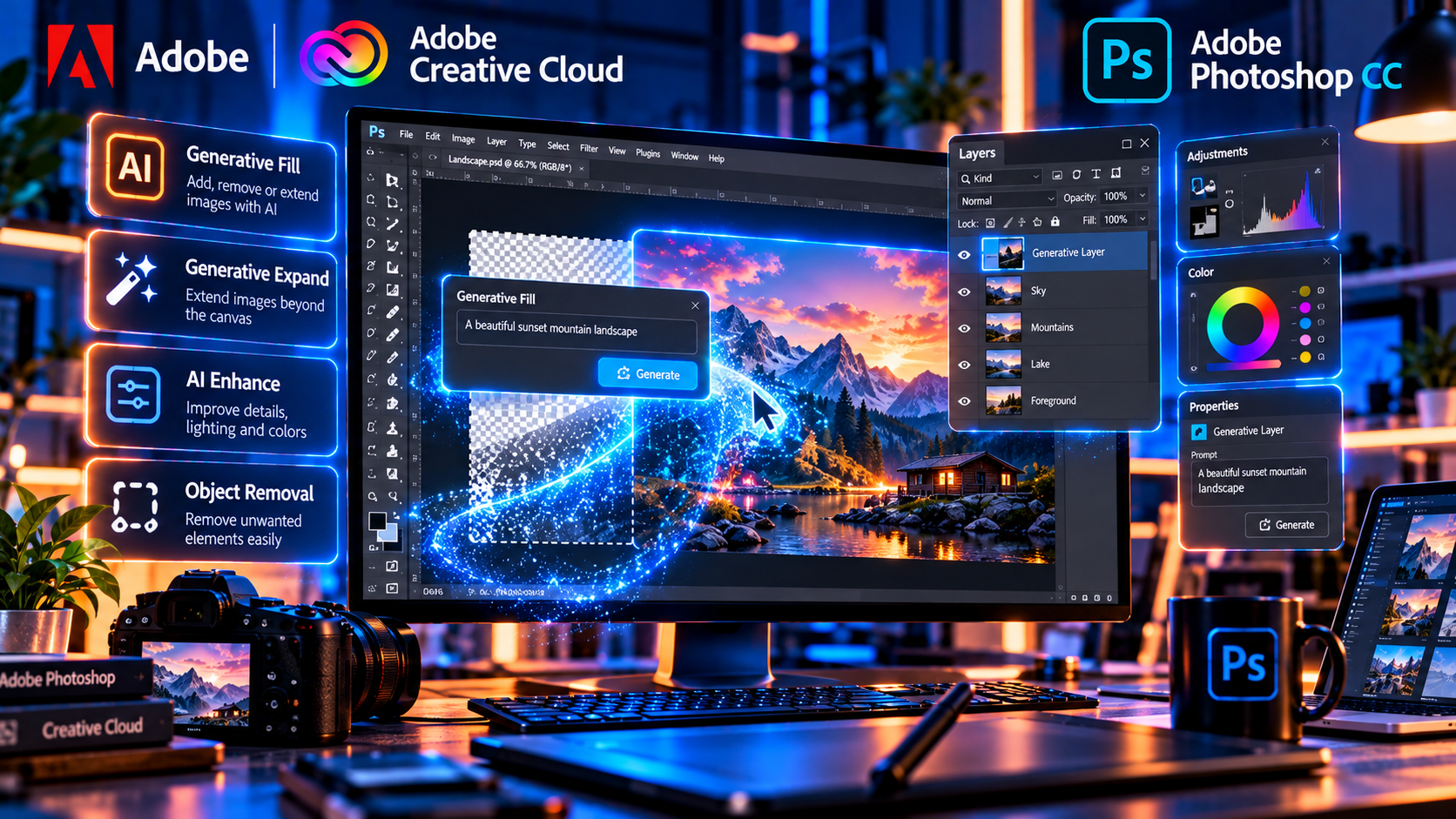
The main benefit is the full Photoshop application rather than a simplified editor. Photoshop supports layers, masks, selections, adjustment layers, smart objects, professional retouching, typography, compositing, color correction, digital painting and export for web or print. It is suitable for photographers, designers, illustrators, marketers and content teams that need precise control over individual pixels and complex compositions.
Continuous updates
Creative Cloud plans are designed to keep the application current. Updates can bring new tools, performance improvements, compatibility fixes and changes to Adobe Firefly-powered features. This is useful for users who need current camera support, new operating-system compatibility or the latest creative features, but it also means that the subscription is an ongoing cost rather than a permanent purchase of one fixed version.
Cloud storage and account services
Depending on the plan, cloud storage can help with documents, libraries and access across supported devices. Storage should not be confused with a complete backup strategy. Keep local copies of important PSD files and use a separate backup system for client work, source photography and archived projects.
Adobe Fonts and creative resources
Adobe Fonts can simplify typography workflows by allowing eligible users to activate fonts through their Adobe account. Availability, licensing and continued access depend on the plan and font terms. For client work, document the typefaces used and confirm that your delivery workflow supports the required fonts.
AI-assisted features and credits
Current Adobe plans may include access to generative or AI-assisted tools, with feature availability and usage limits depending on the plan. Some offers use generative credits or a similar allowance. If AI editing is central to your work, read the current plan details carefully instead of assuming that every Creative Cloud package includes the same number of credits or the same capabilities.
Photoshop and Lightroom Combined Pricing
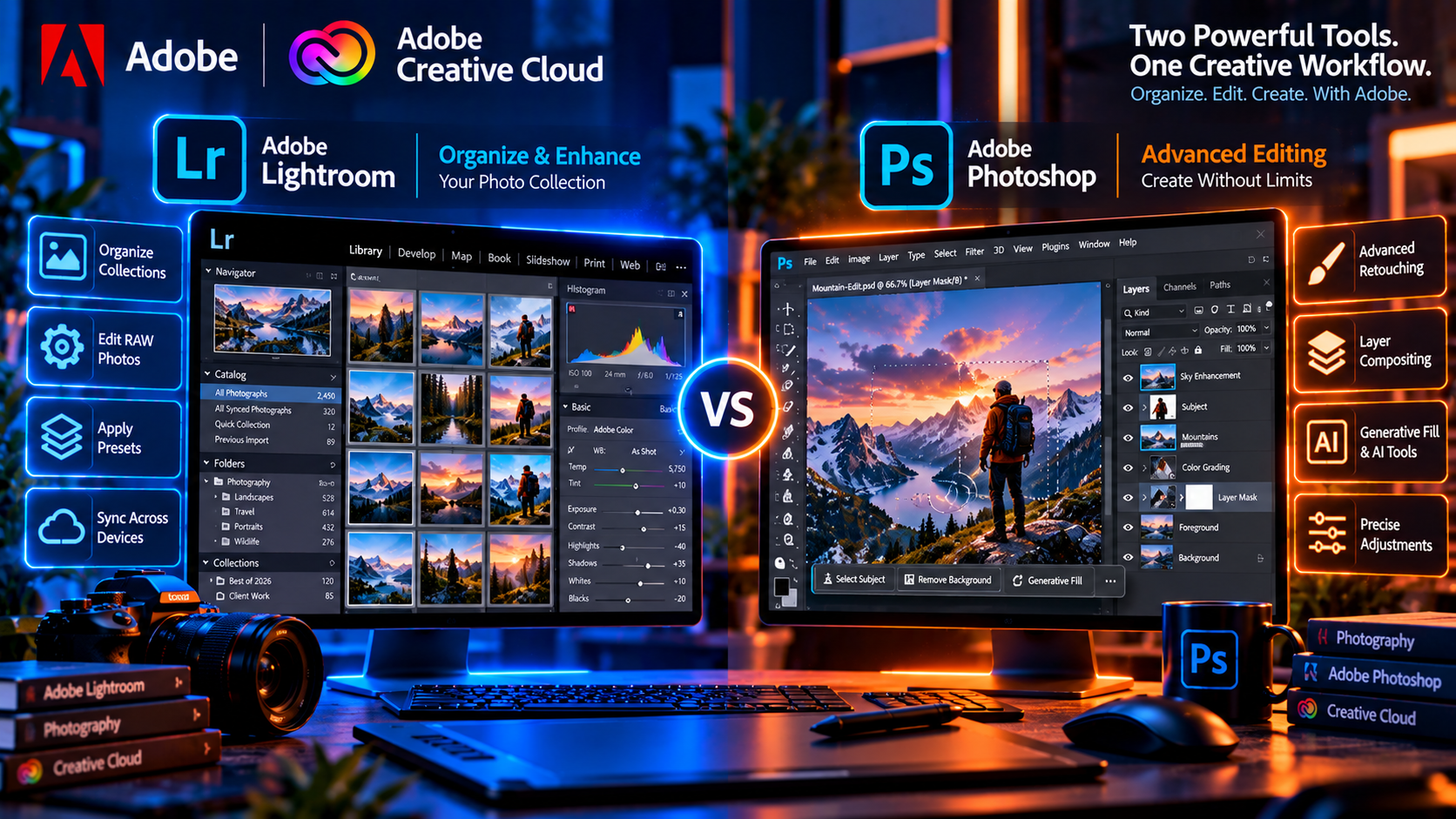
The phrase adobe photoshop lightroom cost often reflects a practical buying question: is it cheaper or more useful to combine Photoshop with Lightroom than to purchase a Photoshop-focused plan and a separate photography tool? For photographers, the answer is often based on workflow rather than the headline price alone.
Lightroom is designed for photo organization, cataloging, batch adjustments, RAW processing and a fast photography workflow. Photoshop is designed for detailed pixel editing, compositing, layers, typography and complex retouching. Many photographers use Lightroom to select and develop images, then send selected files to Photoshop for advanced work.
What a photography combination can provide
- Lightroom for organizing and processing a photo library
- Lightroom Classic for a desktop catalog workflow when included
- Photoshop for detailed retouching and compositing
- Cloud storage or synchronized access depending on the plan
- A single Adobe account and consolidated billing
Adobe publishes different photography and Creative Cloud options over time. For example, Adobe currently lists a Photography plan that includes Lightroom, Lightroom Classic, Photoshop and 1TB of cloud storage, while the exact displayed price may vary by country, billing method and promotion. Treat published prices as time-sensitive and verify the checkout total before purchase.
A combined plan can be a strong value when you regularly manage many photos and need Photoshop for selected images. If you only create graphics or edit occasional images, a Photoshop-focused license may be simpler. If you need video, vector illustration, page layout or PDF production, an All Apps plan may be more appropriate than adding separate applications one at a time.
Subscription Value Comparison
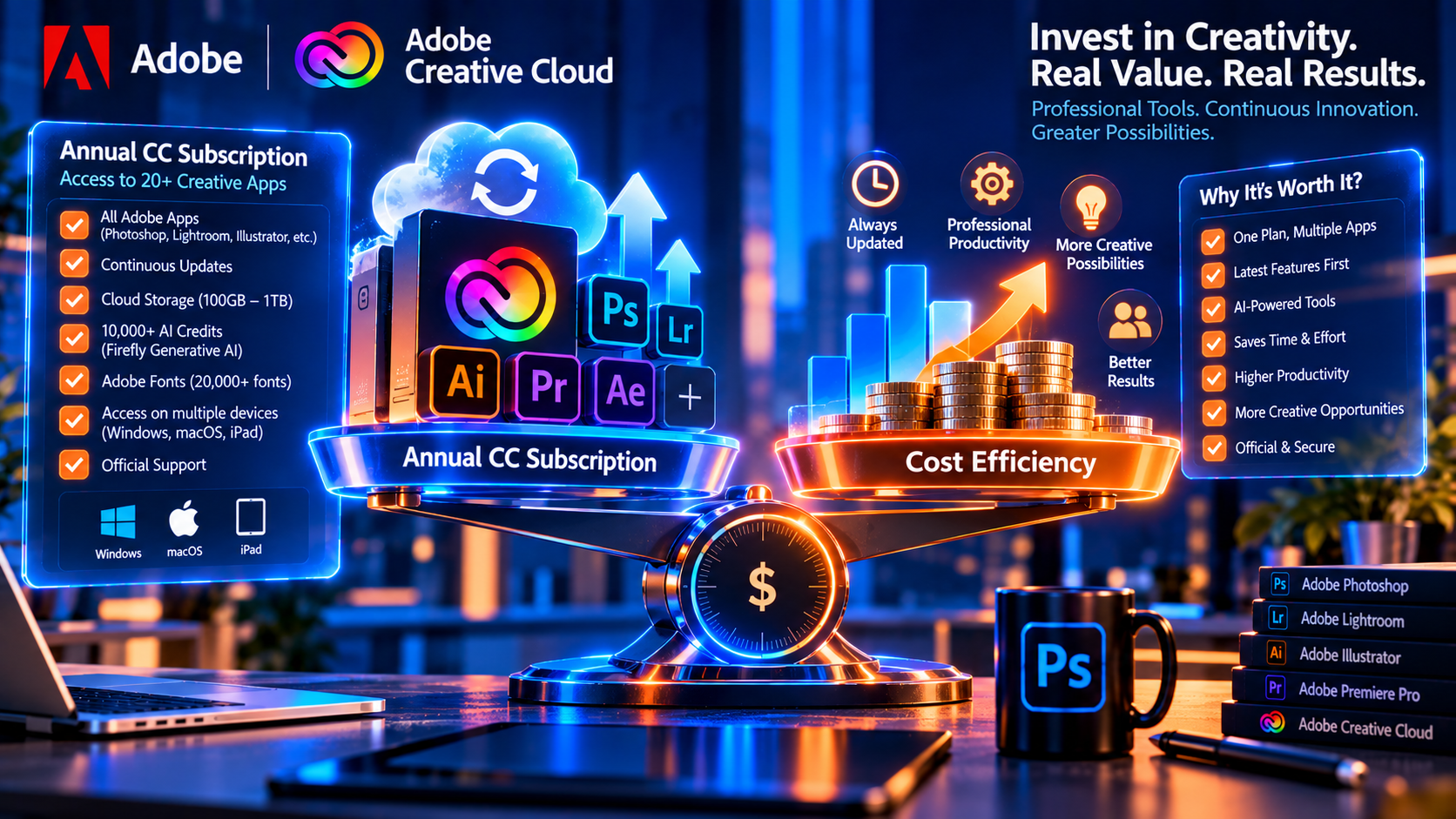
Comparing Photoshop Adobe CC pricing requires more than multiplying the monthly price by twelve. Review the billing commitment, included applications, storage, AI allowances, device rules, cancellation terms, update policy and whether the plan matches your actual workload.
Photoshop subscription benefits
- Access to the current Photoshop version
- Ongoing feature and compatibility updates
- Integration with Adobe account services
- Access to eligible cloud and font features
- A predictable official Creative Cloud workflow
- Option to add Lightroom or other Adobe apps through a different plan
Possible drawbacks
- Recurring payments continue while you need the entitlement
- Plan terms and feature limits can change
- Cancellation and renewal conditions require attention
- Some features may depend on an internet connection or account verification
- A subscription may cost more over several years than a fixed-version product
A subscription is often sensible for professionals who need current features, current camera compatibility and regular Adobe updates. A fixed-version license may be more attractive for a user whose workflow is stable and who wants a one-time purchase, but compatibility, support and feature availability should be checked carefully before choosing an older release.
How Much Does Adobe Photoshop CC Cost?
There is no single worldwide answer to how much Adobe Photoshop CC costs. Adobe pricing can vary according to country, currency, tax, billing cycle, individual or business status, promotional period and the plan selected. A monthly price may also represent an annual commitment billed monthly rather than a truly month-to-month arrangement, so read the plan label before checkout.
As a current reference point, Adobe lists its Photography plan in the United States at US$19.99 per month on an annual paid-monthly option or US$239.88 per year on an annual prepaid option. That plan includes Lightroom, Lightroom Classic, Photoshop and 1TB of cloud storage according to Adobe’s current photography page. Prices and offers can change, so confirm the latest official Adobe pricing before publishing a fixed number in a commercial article.
KeyUpMart also lists a one-year Adobe Photoshop subscription with 10,000 AI credits. At the time this article was prepared, the product page showed a current price of US$125, Windows, Mac and iPad compatibility, global availability, a one-year term and a 14-day money-back guarantee. Product terms, availability and promotional pricing can change, so review the live product page for the current details.
Compare the current offer here: Adobe Photoshop 1-Year Subscription with 10,000 AI Credits and review the platform, term, delivery and warranty information before purchase.
The most useful comparison is the total value over the period you plan to use the software. Calculate the full annual cost, then compare it with the applications, AI allowance, storage, support and activation method included. A lower price is not automatically better if the plan lacks a tool your workflow requires.
Creative Cloud Photography Plan vs Photoshop Only
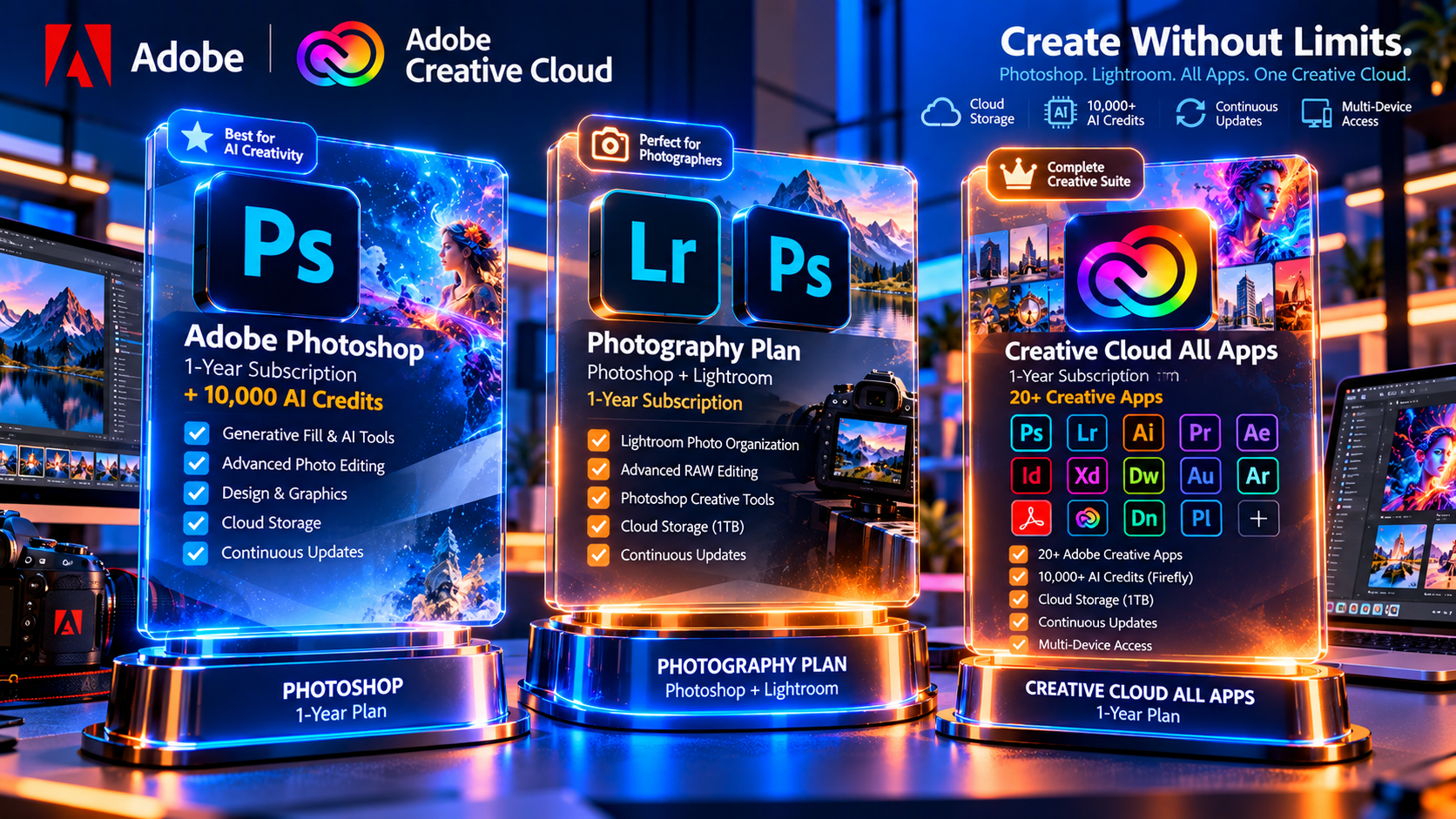
Choose a Photoshop-only plan when your main tasks are graphic design, digital art, retouching, compositing, thumbnails, marketing assets or typography. You may not need a photo catalog application if your images are already organized elsewhere.
Choose a Photography plan when you regularly import, organize, develop and export large photo collections. Lightroom can handle the library and RAW workflow while Photoshop handles the difficult individual edits. This combination is particularly useful for portrait photographers, wedding photographers, product photographers and content teams managing many images.
Before choosing, ask yourself three questions: Do I need catalog organization? Do I need layered pixel editing? Do I need access to other Creative Cloud applications? Your answers will usually identify the plan more clearly than a generic price comparison.
Photoshop CC vs Creative Cloud All Apps
A Photoshop-focused subscription is usually the simpler option for users who only need image editing. Creative Cloud All Apps is aimed at users who need several Adobe applications, such as Illustrator for vector artwork, InDesign for page layout, Premiere Pro for video, After Effects for motion graphics or Acrobat for PDF workflows, subject to the current plan contents.
All Apps can offer better value when you use multiple applications throughout the year. It can be poor value when you only open Photoshop. List the applications you actually use, estimate how often you use them and compare the full plan terms. Avoid paying for a large bundle just because its feature list looks impressive.
Need a broader Adobe bundle? View Creative Cloud All Apps options on KeyUpMart and confirm the current plan name, license type and activation method on the product page.
Is the CC Subscription Worth It Compared to a Lifetime License?
The subscription-versus-lifetime question depends on how often you need updates. A Creative Cloud subscription provides access to the current Photoshop version and the benefits attached to the plan while the subscription remains active. A lifetime or one-time product generally gives access to one defined version rather than every future release.
A subscription may be the better fit when
- You need current AI features and ongoing improvements
- You work with current cameras and file formats
- You collaborate with clients or teams using current Adobe versions
- You need Lightroom or other Creative Cloud applications
- You prefer a supported current-version workflow
A fixed-version product may be the better fit when
- Your work does not require the newest features
- You prefer a one-time payment for a defined version
- Your operating system and hardware are compatible with that version
- You understand that future updates may not be included
- You have confirmed the product license and activation terms
Do not treat a lifetime label as a promise of unlimited future upgrades. Ask which version is included, which operating systems are supported, how activation works and what happens if you replace your computer. Clear licensing information is more important than a promotional label.
How to Choose the Right Photoshop CC Plan
Use this practical checklist before purchasing:
- Identify whether you need Photoshop only, Photoshop plus Lightroom or a larger Creative Cloud bundle.
- Confirm the platform and system requirements for your computer or tablet.
- Check whether the plan is monthly, annual paid monthly or annual prepaid.
- Review cloud storage, AI credits, fonts and included applications.
- Confirm the number of supported devices and account requirements.
- Read renewal, cancellation, refund and warranty terms.
- Compare the total cost for the full period you expect to use the software.
- Keep the order confirmation and license details for future support.
This checklist prevents a common buying mistake: comparing only the visible price while overlooking the license duration, renewal conditions or included services.
Frequently Asked Questions
What is Adobe Creative Photoshop CC?
Adobe Creative Photoshop CC is the common search phrase for the current subscription-based Photoshop available through Adobe Creative Cloud. The application is installed on a supported device, while the subscription manages access, updates and included services.
Is Photoshop CC the same as Photoshop?
In everyday use, Photoshop CC refers to the Creative Cloud version of Photoshop. Adobe now commonly markets the product as Photoshop, but many users still search for the older CC wording.
Does Photoshop CC include Lightroom?
Not every Photoshop plan includes Lightroom. A Photography plan is designed to include Photoshop and Lightroom together, while a Photoshop-focused plan may not. Check the current plan contents before buying.
How much does Adobe Photoshop CC cost per year?
The annual cost depends on the country, plan, billing method and promotion. Use the current Adobe pricing page or the live KeyUpMart product page to confirm the amount before purchase. Do not rely on an old price shown in an article.
Is Adobe CC worth it for photographers?
It can be worth it when you need Lightroom for cataloging and RAW processing plus Photoshop for advanced retouching and compositing. If you only need occasional edits, compare the full annual cost with your actual usage.
Can I use Photoshop CC on two devices?
Device rules depend on the license and plan. The KeyUpMart Photoshop one-year product page currently states support for two devices simultaneously, but always confirm the live product terms before ordering.
Conclusion
Photoshop CC is best understood as the current Creative Cloud version of Photoshop: a professional desktop image-editing application supported by a subscription, account services, updates and plan-specific benefits. The right plan depends on whether you need Photoshop alone, Photoshop with Lightroom, or a broader Creative Cloud bundle.
Compare the complete value rather than the monthly headline. Review the annual commitment, included apps, storage, AI credits, device rules, renewal terms and support. For photographers, the Lightroom combination may be the most practical choice. For designers who need current Photoshop features, a dedicated one-year subscription may be simpler. For multi-discipline teams, All Apps may offer better overall value.
Ready to compare a current Photoshop license? View the Photoshop subscription offer on KeyUpMart and check the live price and terms before placing your order.
Need help selecting the right Adobe package? Contact KeyUpMart support before purchasing.