





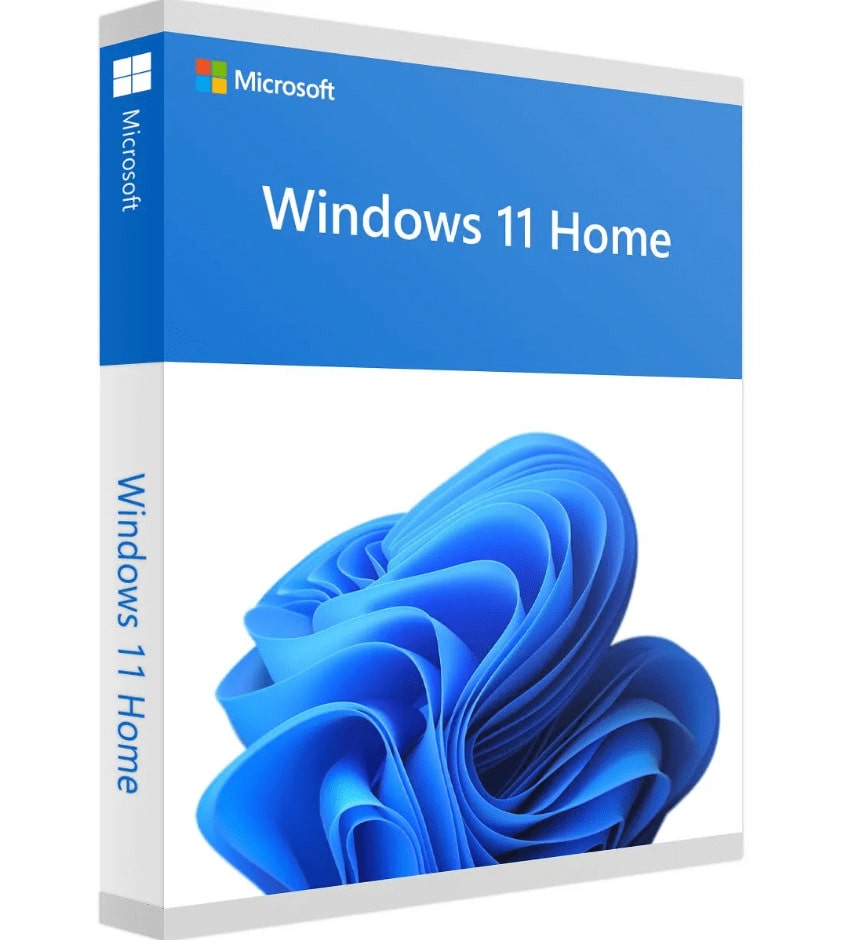



 Purchase this item and get
 ✅Choose Your License:
| Feature | OEM License | Retail License |
|---|---|---|
| Price | Lower | Higher |
| Device Transferable | ❌ No (locked to first activated device) | ✅ Yes (can move to new devices) |
| Microsoft Account Linking | ❌ Not linked to your Microsoft account | ✅ Fully linked to your Microsoft account |
| Flexibility | Fixed to one device — cannot reuse after hardware change | Can be reused when changing or upgrading device |
| Legal Status | ⚠️ OEM licenses may not fully comply with Microsoft rules for private users; legality varies by country | ✅ Retail licenses are 100% legal worldwide for private and business use |
✅What’s Included:
- Genuine Windows 11 Home License Key (OEM or Retail)
- Instant email delivery
- Step-by-step activation instructions
- Friendly customer support if needed
Microsoft Windows 11 Home is designed for home users, students, and everyday PC owners. This offer supports Windows 11 and is supplied under a OEM or Retail according to the selected option. Before checkout, confirm the selected edition, device allowance, system compatibility, and delivery details shown on this page.
Why Choose Microsoft Windows 11 Home?
Microsoft Windows 11 Home gives home users, students, and everyday PC owners a clearly defined way to obtain the software for Windows 11. The right buying decision depends on the tasks you need to complete, the exact license terms, the supported operating system, and the number of devices covered – not on the product name alone.
The Microsoft Windows 11 Home offer for Windows 11 states a OEM or Retail according to the selected option. Its device scope is: 1 PC. Review those exact terms before payment, particularly when replacing an older edition, moving to a new computer, or buying for business use.
Practical Workflows for Microsoft Windows 11 Home
Windows 11 productivity
Microsoft Store and app compatibility
gaming and entertainment features
built-in Windows security
⚠️ Important:
- This is a digital product – no physical item will be shipped.
✅How to Activate :
- Go to Settings → System → Activation.
- Click Change Product Key.
- Enter the License key provided.
- Congratulation ! you got your Windows Activated
Who Is This License Best For?
This product is a strong fit for home users, students, and everyday PC owners. It is especially useful when you need Windows 11 productivity, Microsoft Store and app compatibility, and license terms that match the offer described on this page.
Microsoft Windows 11 Home is not the correct choice when the required platform, device rights, deployment method, or administration features are absent from this offer. Business buyers should document the intended users and devices before activating this specific edition.
Compatibility and Purchase Checklist
Platform required for Microsoft Windows 11 Home: Windows 11.
License supplied for Microsoft Windows 11 Home: OEM or Retail according to the selected option.
Device scope for this offer: 1 PC.
Confirm that the computer intended for Microsoft Windows 11 Home meets the vendor requirements.
Decide whether Microsoft Windows 11 Home will be installed fresh, used as an upgrade, or activated on an existing compatible installation.
Use the customer email intended for Microsoft Windows 11 Home and retain the order confirmation for support.
Delivery and Activation for Microsoft Windows 11 Home
Install the exact Microsoft Windows 11 Home edition on the intended PC, complete pending Windows updates, and activate it with the OEM or Retail according to the selected option supplied for the selected option. A key for another edition cannot activate this installation.
If Microsoft Windows 11 Home does not activate, open Windows Activation and record the installed edition and complete error code. Check the key type, device history, internet connection, and hardware changes before asking support to review the order.
Is Microsoft Windows 11 Home the Right Option for You?
Choose Microsoft Windows 11 Home when its edition matches the PC and the features required by the user. Compare Home, Pro, and Enterprise carefully: security, remote access, management, deployment, and activation rights differ even when the Windows version is the same.

Reviews
There are no reviews yet.