





Searching for an adobe photoshop key often means you are ready to buy, but you are not yet sure whether the offer is genuine, compatible with your device or supported after payment. That hesitation is reasonable. A low price alone does not prove that a license is legitimate, and a product described as a “lifetime license” does not automatically mean unlimited future upgrades.
The safest approach is to examine the product page, seller identity, license type, activation method, supported operating system, warranty and refund conditions before checkout. This guide explains how legitimate Photoshop license resale works, what evidence to request, which warning signs to avoid and what to do if the key or license does not activate correctly.
What Does a Genuine Adobe Photoshop License Mean
A genuine license gives you authorized permission to use a specific Adobe product or version under defined terms. Those terms may describe a subscription, an email-linked entitlement, a product key, a perpetual license for one version or a volume or business arrangement. The important detail is not the marketing label but the actual rights attached to the product.
A legitimate listing should explain what is being delivered and how activation works. You should be able to identify the product version, supported platform, license duration, number of devices, account requirements, delivery method and support or replacement policy. If those details are missing, ask before paying.
Adobe products are normally downloaded from Adobe or activated through an Adobe account or Adobe redemption process. A seller should not require a cracked installer, a modified application, an unknown download manager or a request to disable security software. Those are strong warning signs.
How Legitimate Photoshop License Resale Works
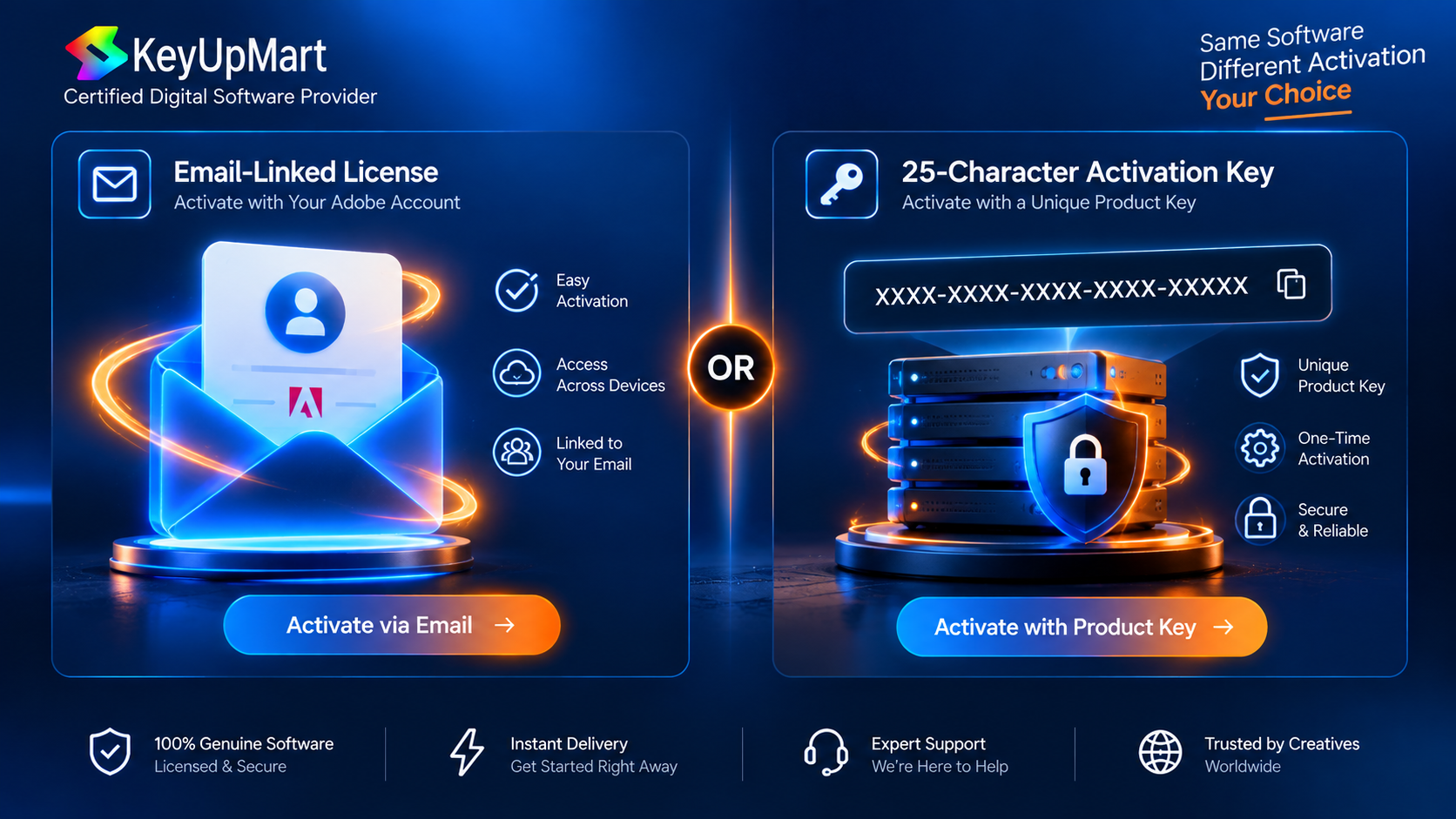
Software resale can take different forms. A subscription may be linked to the buyer’s Adobe email address. A key-based product may provide an activation code that the buyer redeems through the official Adobe redemption flow. A fixed-version product may include a defined Photoshop release for a specific operating system and activation method. Each model has different support and refund conditions.
Email-linked licenses
With an email-linked license, the entitlement is associated with an Adobe email address rather than delivered as a visible activation code. The seller may ask for the preferred Adobe email so the license can be assigned. Confirm that you are providing only the email address needed for assignment, not your Adobe password, recovery code or two-factor authentication code.
Key-based licenses
A key-based license is delivered as an activation code. The product page should tell you where the code is redeemed, which version it activates and whether the refund policy changes after the key is used. Keep the delivery email, order number and activation instructions until the product has been tested.
Fixed-version or lifetime products
A fixed-version lifetime product generally means continued use of the purchased version, subject to its license terms. It should not be interpreted as a promise of every future Photoshop release. Ask whether the product is for Windows or Mac, whether it is a standalone version and whether upgrades are included.
How to Check an Adobe Photoshop License Key Before Buying
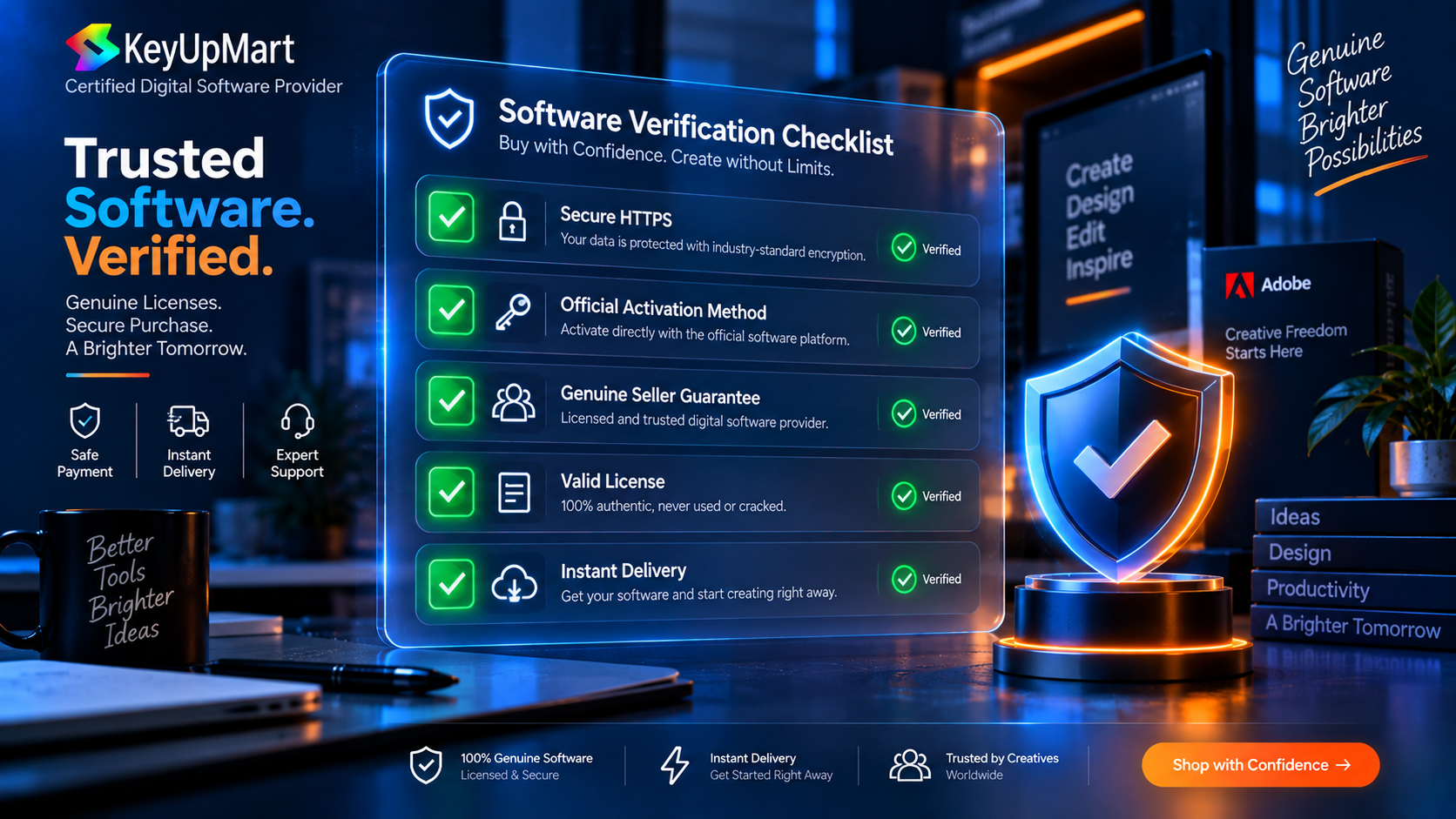
Use the following checklist on every product page, especially when the price is substantially lower than a familiar retail offer.
- The product name identifies Photoshop and a specific version or subscription term.
- The page states whether the license is a key, an email-linked entitlement or another activation type.
- The supported platform is clearly stated, such as Windows, Mac or both.
- The delivery time and delivery channel are explained.
- The seller provides a written warranty, replacement policy or support process.
- The refund conditions explain whether activation makes the order non-refundable.
- The checkout uses HTTPS and a recognized payment method.
- The seller publishes contact information and legal or policy pages.
- The product does not require cracked files, unofficial installers or disabled security tools.
A genuine software license should be understandable before purchase. Confusing wording is not proof of fraud, but it is a reason to slow down and ask for clarification.
How to Verify Your License Key Activated Correctly
After delivery, activate the license through the official Adobe workflow described by the seller or Adobe. Do not use a third-party executable to “unlock” Photoshop. The safest verification is that the product appears correctly in the Adobe account or activation screen and that the official Photoshop application launches without modification.
- Save the order confirmation and activation instructions.
- Check that the product version matches what you purchased.
- Redeem the key only through the official Adobe redemption or account workflow when the product is key-based.
- Sign in with your own Adobe account when the license is intended to be linked to your email.
- Download the application from Adobe or the official Creative Cloud installer.
- Open the application and confirm that the expected license or subscription status is shown.
- Test the main workflow you purchased the product for, such as opening, editing and saving a PSD file.
- Keep a screenshot or record of successful activation for your files.
Do not publish or share your complete activation key, Adobe password or two-factor authentication code. If support needs evidence, provide the order number, a redacted screenshot and the exact error message instead.
Signs of a Trustworthy Seller vs a Risky One
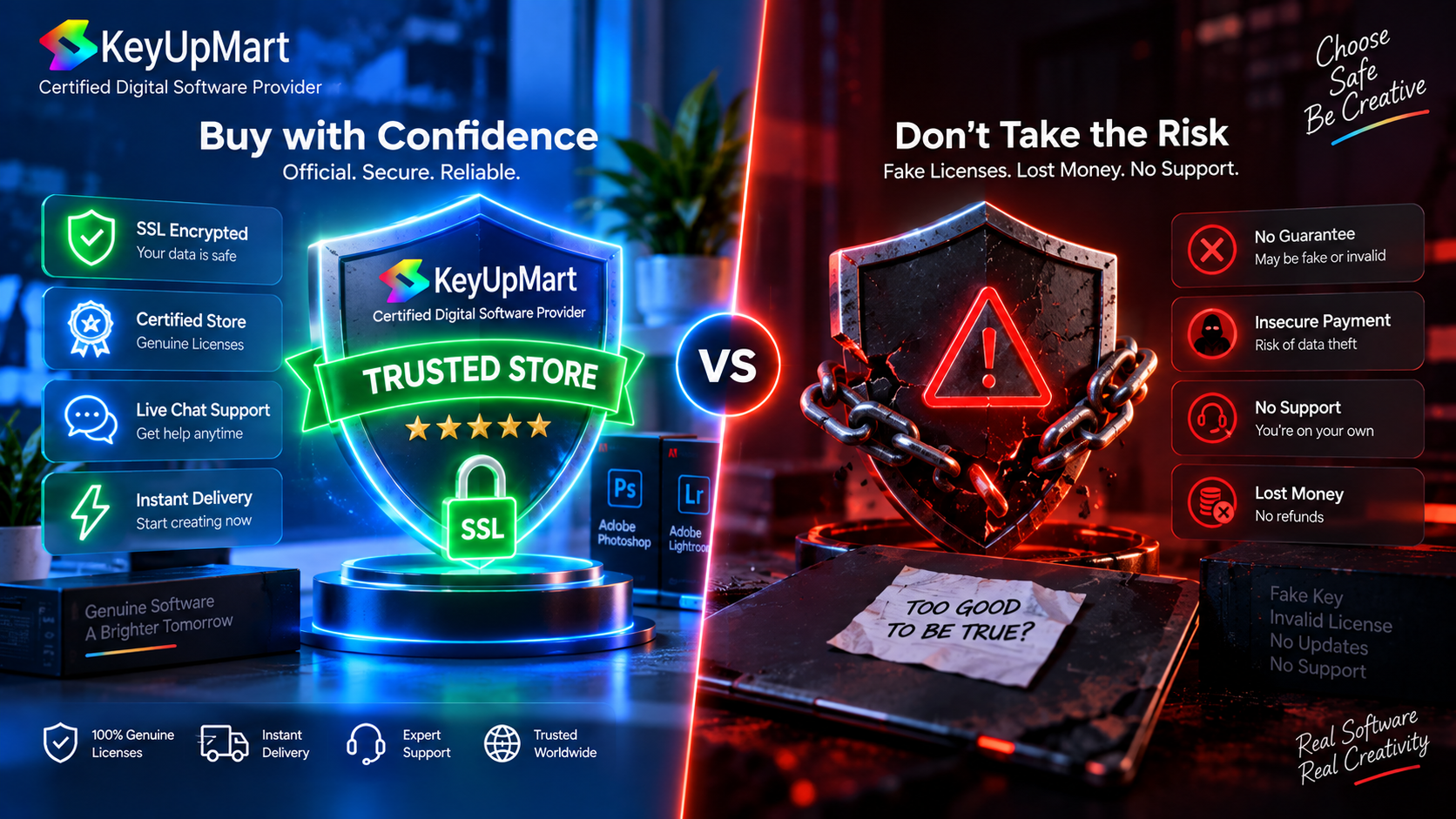
Signs of a more trustworthy seller
- A clear product description with version, platform and license type.
- A visible refund or return policy written in plain language.
- A genuine support channel with a response process.
- Secure checkout and recognizable payment options.
- A clear explanation of what happens if activation fails.
- A record of customer reviews that can be checked on an independent platform.
- A legal or guarantee page that matches the business and product claims.
- Instructions that use official Adobe activation and download methods.
Warning signs to take seriously
- The offer promises every future Photoshop version for one small one-time payment.
- The seller refuses to identify the version, platform or activation method.
- The seller asks for your Adobe password or two-factor authentication code.
- The download is a modified executable, crack, patch or key generator.
- The page pressures you to pay outside the normal checkout.
- The seller has no refund policy or changes the terms after payment.
- The price is presented as an official Adobe price without evidence or a clear reseller explanation.
- The license is advertised as “lifetime” but never explains which version is included.
One unusual price does not prove that a product is invalid. However, several missing details together should make you pause. A careful seller should be able to answer basic questions without asking you to take unnecessary security risks.
How KeyUpMart Describes Its Photoshop License Offers
KeyUpMart’s Photoshop product pages distinguish between subscription and fixed-version offers. The one-year Photoshop subscription page describes a license linked to an Adobe email, a one-year validity period, support for two devices simultaneously, a one-year warranty and a 14-day money-back guarantee under the listed conditions.
KeyUpMart also lists a Photoshop 2021 Professional Edition lifetime product for Windows. Because this is a fixed-version Windows product, a buyer should read the product page carefully to confirm the included version, activation method, system requirements, delivery details and warranty before ordering. Lifetime should be understood as use of the purchased version under its license terms, not automatic access to every future Photoshop release.
Review the fixed-version details here: Adobe Photoshop 2021 Professional Edition Lifetime for Windows and confirm that your operating system and workflow are compatible.
Prefer the current subscription workflow? View the Adobe Photoshop 1-Year Subscription with 10,000 AI Credits and review the current term, platform and activation details.
Refund Policy and Buyer Protection at KeyUpMart

Refund protection depends on the product type and whether a digital key has been used. Before payment, read the current policy and note the time limit, evidence requirements and activation conditions. A key that has already been revealed or redeemed may be treated differently from an undelivered or unused key.
KeyUpMart’s product information states that the one-year email-linked Creative Cloud offer includes a 14-day money-back guarantee, while key-based products may require the key to remain unused or unactivated for a refund. The live policy should control if the product page and a general policy page use different wording.
Read the seller’s legal commitment before purchasing: Guarantee of Legality.
Review the current refund conditions here: Refund Policy and keep a copy of the terms shown at checkout.
For buyer protection, pay through the website checkout, keep all order records and contact support promptly when something fails. Avoid moving the transaction to an unrelated payment channel because that can make the order harder to verify and support.
What to Do If Your Photoshop Key Does Not Work
A failed activation does not always mean that a key is fraudulent. Common causes include using the wrong redemption page, selecting the wrong region or product version, entering a character incorrectly, trying to activate a Windows license on Mac, or having an existing Adobe account state that needs support.
- Stop retrying if the system reports that the code is invalid or already used.
- Check the product version and operating system against the order.
- Copy the key carefully without adding spaces or changing similar characters.
- Use the official Adobe redemption or account page specified in the instructions.
- Capture the exact error message and the time it appeared.
- Contact the seller through the official support channel with your order number.
- Do not send your Adobe password, recovery code or complete payment details.
- Request a replacement or refund according to the stated policy if support cannot resolve the problem.
For an email-linked subscription, confirm that the preferred Adobe email was supplied correctly and that the entitlement was assigned to the intended account. If the subscription appears on the wrong email, contact the seller before making account changes that could complicate verification.
License Key Security Practices
- Use a unique password for your Adobe account.
- Enable two-factor authentication on your Adobe account.
- Download Photoshop only from Adobe or the official Creative Cloud workflow.
- Keep your operating system, browser and security software updated.
- Store the activation email and invoice in a secure location.
- Redact keys and personal information before sharing screenshots.
- Do not install a patch, crack or key generator.
- Use a backup copy of important PSD files and project assets.
These practices protect both your software access and your creative work. A low-cost license is not worthwhile if it exposes your Adobe account, client files or payment information to unnecessary risk.
Frequently Asked Questions
How can I tell if an Adobe Photoshop key is genuine?
Check the product version, platform, activation method, seller policies and delivery details. Activate through the official Adobe workflow and confirm that the expected license appears in your account or application. Never use a crack or modified installer as proof of activation.
Is an Adobe Photoshop lifetime key really lifetime?
Usually, lifetime describes continued use of the purchased version under its license terms. It should not be assumed to include every future Photoshop release, a new operating system indefinitely or free upgrades forever. Confirm the exact version and upgrade policy.
Should a seller ask for my Adobe password?
No. A seller may need the Adobe email address for an email-linked license, but you should not provide your password, recovery code or two-factor authentication code. Contact support if the activation process appears to require sensitive credentials.
Can I get a refund after activating a Photoshop key?
That depends on the product and the seller’s current policy. Many digital key policies treat an activated key differently from an unused key. Read the policy before redeeming and contact support quickly if activation fails.
What is the safest way to buy Adobe Photoshop?
Use an official Adobe plan or a reseller with clear product details, secure checkout, identifiable support, written warranty terms and a clear refund policy. Download and install the application through official Adobe channels.
What should I do if a key was already used?
Do not attempt repeated activation or install unofficial software. Save the order evidence, capture the exact error and contact the seller immediately for verification, replacement or a policy-based refund.
Conclusion
The safest way to evaluate an adobe photoshop key is to treat the purchase like a software license decision, not a bargain hunt. Confirm the version, platform, activation method, duration, support, warranty and refund terms before paying. After delivery, use the official Adobe workflow and protect your account credentials.
A trustworthy seller should make the important details easy to understand. When the product is a lifetime or one-time purchase, confirm exactly which version is included and do not assume that future upgrades are part of the deal. When the product is a subscription, confirm the term, renewal and device rules. These checks reduce surprises and give you a stronger basis for support if activation does not go as expected.
Ready to compare the available Photoshop options? Browse KeyUpMart Adobe Photoshop products and review the live product terms before ordering.
Need help before you buy? Contact KeyUpMart support with your product and platform questions.
Related posts:


 How to Install Adobe Acrobat 2020 on Windows