






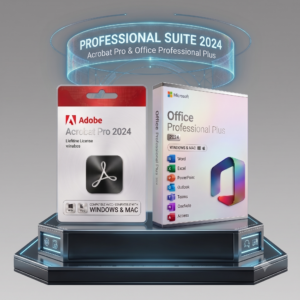


 Purchase this item and get
 Microsoft 365 – License Comparison
| Specification | Office 365 Personal | Office 365 Pro Plus |
|---|---|---|
| Users / Devices | 1 user 5 devices |
1 user 5 devices |
| License Period | 1 Year | 1 or 3 Years |
| Cloud Storage | 1TB | 100GB |
| Type of Delivery | License key | Pre-activated Microsoft 365 email |
| License link | Linked to your own email | Linked to Pre-activated email (not changeable) |
| 2FA & Security | 2FA and ability to add alternative mobile |
2FA and ability to add alternative mobile |
| Included Apps | 
Word, Excel, PowerPoint, Outlook, OneNote, OneDrive, Microsoft Defender, Designer, Clipchamp, + More
|
|
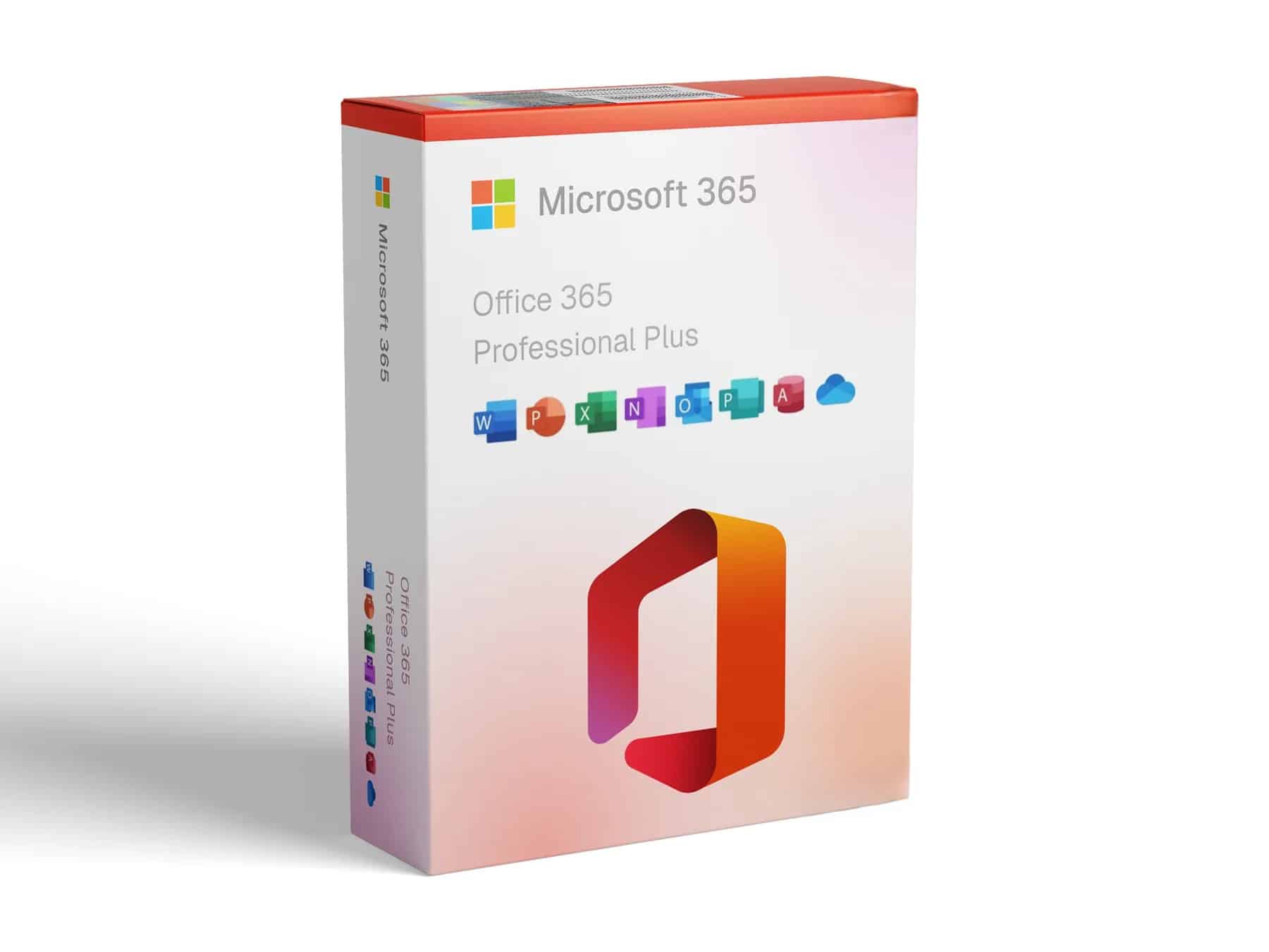
Microsoft Office 365 Pro Plus is designed for users who work across several devices and need subscription productivity tools. This offer supports Windows, Mac, tablets, and phones and is supplied under a 1-year or 3-year subscription. Before checkout, confirm the selected edition, device allowance, system compatibility, and delivery details shown on this page.
Why Choose Microsoft Office 365 Pro Plus?
Microsoft Office 365 Pro Plus gives users who work across several devices and need subscription productivity tools a clearly defined way to obtain the software for Windows, Mac, tablets, and phones. The right buying decision depends on the tasks you need to complete, the exact license terms, the supported operating system, and the number of devices covered – not on the product name alone.
The Microsoft Office 365 Pro Plus offer for Windows, Mac, tablets, and phones states a 1-year or 3-year subscription. Its device scope is: Up to 5 devices, as stated on the page. Review those exact terms before payment, particularly when replacing an older edition, moving to a new computer, or buying for business use.
Important Notes – For Microsoft Office 365 Pro Plus
1- Full Account Control: Upon first login, Microsoft will require you to change the password. After that, we no longer have any access — the account is fully managed by you.
2- Email Not Changeable: You will receive a unique, brand-new Microsoft 365 email. If you prefer using your own email, choose the Personal plan.
3- Your Data is Safe: Your files and data are private and fully controlled by you only
4- Strongly Recommended: For better security, we highly recommend enabling Two-Factor Authentication (2FA) and linking an alternative mobile number to your account.
Practical Workflows for Microsoft Office 365 Pro Plus
Office applications across supported devices
multi-device access
100GB cloud storage as stated on the offer
subscription validity selected at checkout
Who Is This License Best For?
This product is a strong fit for users who work across several devices and need subscription productivity tools. It is especially useful when you need Office applications across supported devices, multi-device access, and license terms that match the offer described on this page.
Microsoft Office 365 Pro Plus is not the correct choice when the required platform, device rights, deployment method, or administration features are absent from this offer. Business buyers should document the intended users and devices before activating this specific edition.
Compatibility and Purchase Checklist
Platform required for Microsoft Office 365 Pro Plus: Windows, Mac, tablets, and phones.
License supplied for Microsoft Office 365 Pro Plus: 1-year or 3-year subscription.
Device scope for this offer: Up to 5 devices, as stated on the page.
Confirm that the computer intended for Microsoft Office 365 Pro Plus meets the vendor requirements.
Decide whether Microsoft Office 365 Pro Plus will be installed fresh, used as an upgrade, or activated on an existing compatible installation.
Use the customer email intended for Microsoft Office 365 Pro Plus and retain the order confirmation for support.
Delivery and Activation for Microsoft Office 365 Pro Plus
For Microsoft Office 365 Pro Plus, first remove conflicting Office editions when required, install the edition supplied for Windows, Mac, tablets, and phones, and activate it using the key or Microsoft-account method stated in the delivery instructions. Confirm that the installed edition name matches the order before entering a key.
If Microsoft Office 365 Pro Plus reports an unlicensed product or rejects activation, check for an edition mismatch, an older Office installation, the signed-in Microsoft account, and the device allowance. Provide support with the exact Office edition shown under Account and the full error message.
Is Microsoft Office 365 Pro Plus the Right Option for You?
Choose Microsoft Office 365 Pro Plus when its included applications, Windows, Mac, tablets, and phones support, and 1-year or 3-year subscription match your workflow. Compare it with Microsoft 365 if you need cloud services, frequent feature releases, or broader multi-device use.
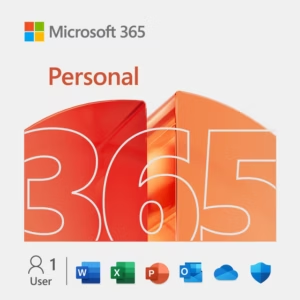
When to choose Office 365 Personal:
-
If cloud storage is important to you – the Personal plan includes 1TB of OneDrive storage, perfect for securely storing and accessing your files online.
-
If you prefer using your own email account – this plan allows you to link the license directly to your personal Microsoft email, without needing a separate or pre-Activated email address.
Otherwise, Choose Office 365 Pro Plus:

Rami –
Just to clarify, this Office 365 offer provides you with an Office 365 accoun giving you access to Office on up to 5 devices for 3 years.
good deal
Yudy and Ruud –
You don’t receive a product key; instead, you get an email and password for an account that’s yours to use. I used it to activate Office for my whole family.
Great deal! If you specifically want a product key, you’ll need to buy Office 365 Personal.